Design Principles Guide by Andi Gugu
A Comprehensive Guide
Design
Principles
From fundamental elements to advanced systems — everything you need to design with intention.
AG
Andi Gugu
AG Art Studio
12 Chapters
~20m Read time
scroll
Chapter 01
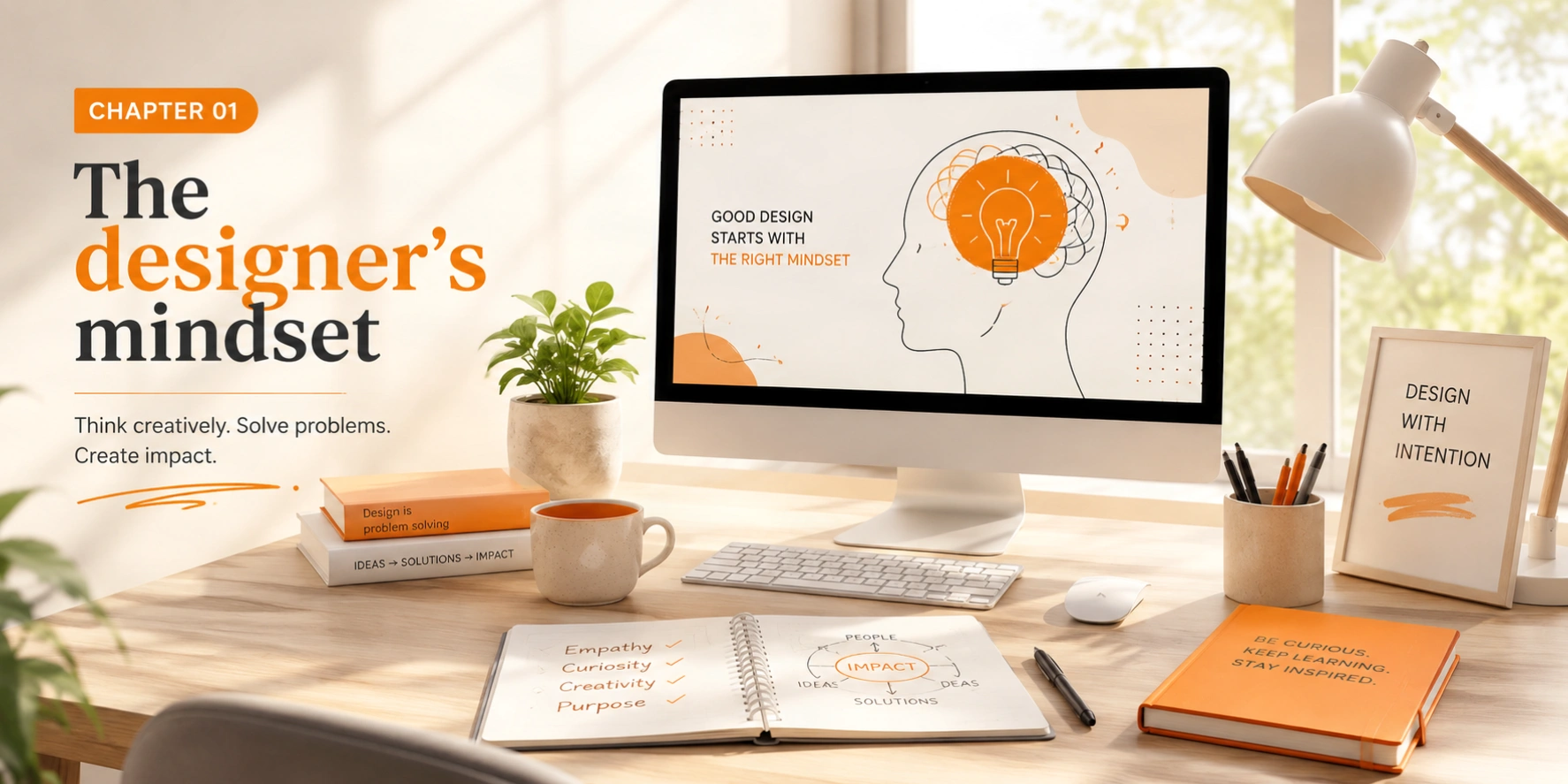
The designer's mindset
Design is not just about making things look beautiful — it's about solving problems, communicating ideas, and creating experiences that resonate with people. As designers, we are visual problem-solvers: translators of complex ideas into simple, elegant solutions.
Good design is good business.
What makes great design?
Great design is invisible. It works so seamlessly that users don't notice the design itself — they simply accomplish their goals effortlessly. This guide will help you understand the principles, elements, and processes that separate good design from exceptional design.
Purpose-driven
Every design decision serves a goal
User-focused
Design for people, not just pixels
Innovative
Push boundaries while staying functional
Chapter 02
Fundamental elements of design
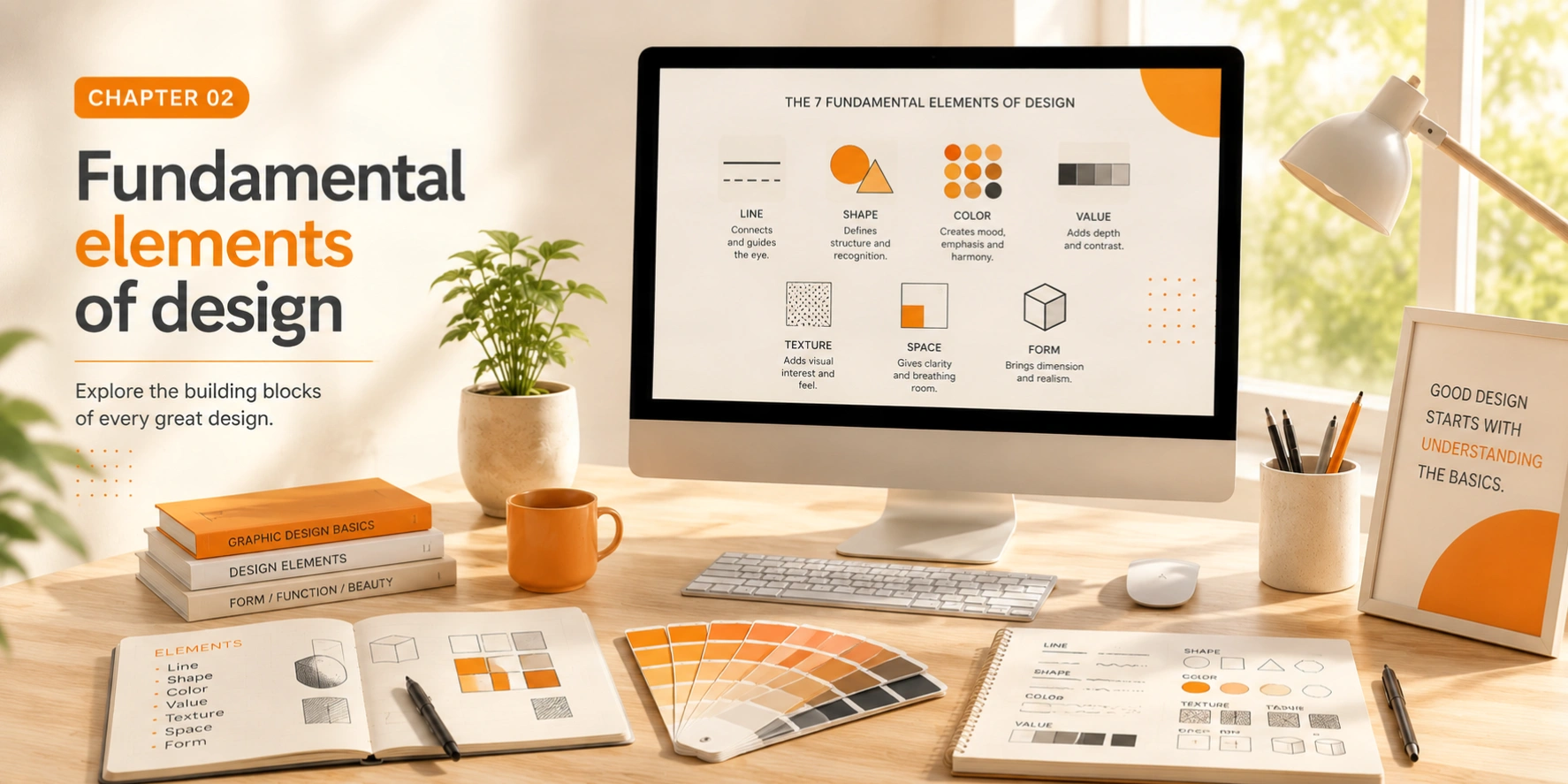
Every design, no matter how complex, is built from basic elements. Understanding these building blocks is essential for creating effective visual communication.
Line
The most basic element — lines can guide the eye, create division, and convey movement or emotion.
Shape
Geometric or organic shapes form the foundation of visual composition and symbolize concepts.
Form
Three-dimensional shapes that add depth and realism to your designs.
Space
Negative space is just as important as positive space — it gives designs room to breathe.
Texture
Adds tactile quality to designs, creating depth and visual interest.
Color
Perhaps the most powerful element — color evokes emotion and creates visual interest.
Value
The lightness or darkness of colors creates contrast and depth in any composition.
Key takeaway
Master these seven elements and you'll have the vocabulary to analyze and create any design. Each can be manipulated to achieve different effects and communicate different messages.
Chapter 03
Core design principles
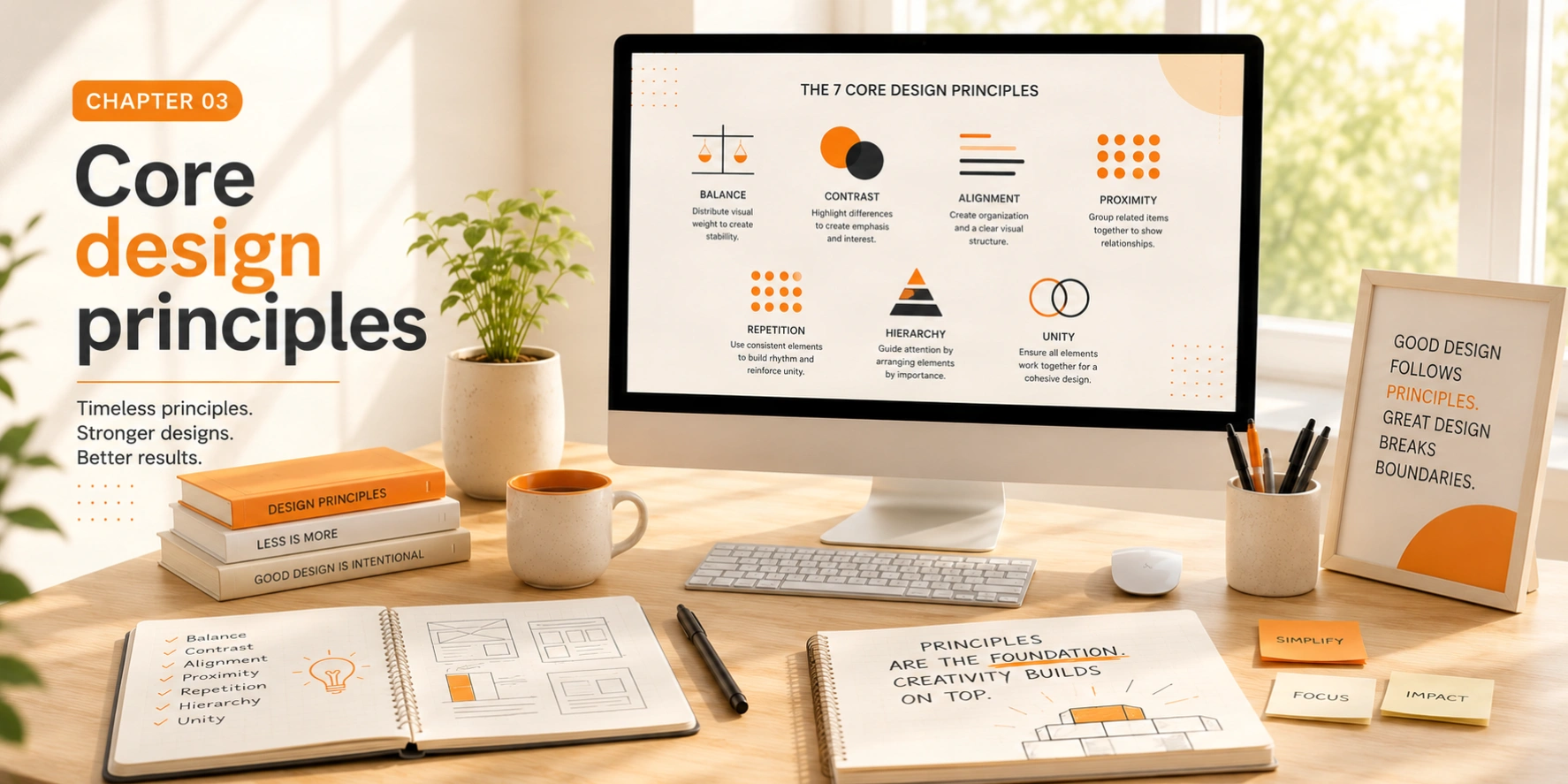
While elements are the building blocks, principles are the rules that guide how we arrange those blocks. These principles apply across all design disciplines.
Balance
Balance creates stability and structure. It can be symmetrical (formal, stable) or asymmetrical (dynamic, interesting). Both have their place depending on your message.
Contrast
Contrast creates visual interest and draws attention. Use differences in size, color, shape, or texture to create focal points and establish hierarchy.
Emphasis
Every design needs a focal point — the first place the eye should land. Without emphasis, designs feel chaotic and purposeless.
Movement
Guide the viewer's eye through your design using lines, shapes, and strategic placement. Good movement creates a visual journey.
Pattern & repetition
Repetition creates consistency and rhythm. It unifies design elements and makes complex information more digestible.
Proportion
The relationship between elements creates harmony or tension. Understanding proportion helps you create balanced, aesthetically pleasing compositions.
Unity
All elements should feel like they belong together. Unity creates cohesion and professionalism in your work.
Chapter 04
Color theory & application
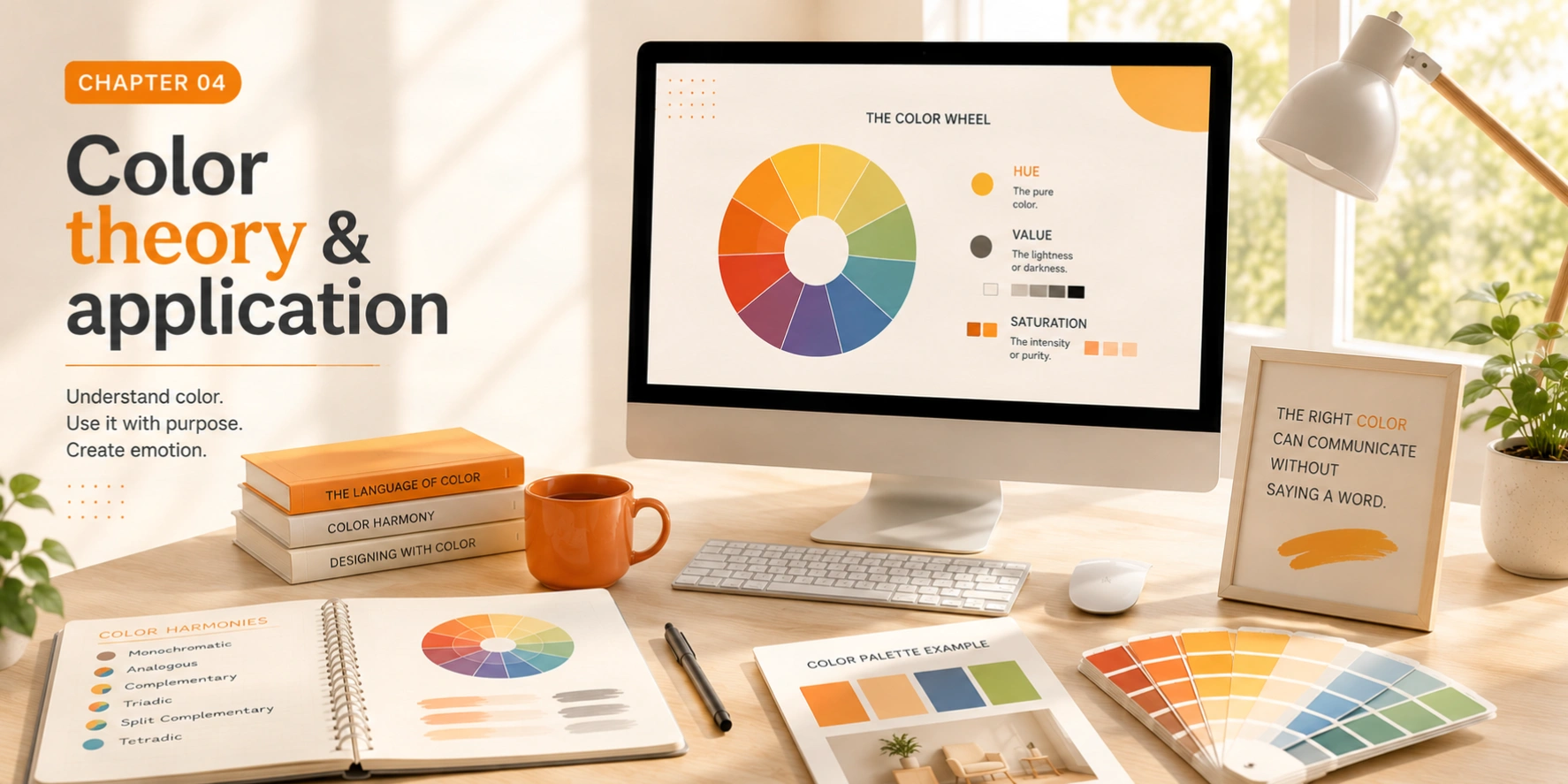
Color is one of the most powerful tools in a designer's arsenal. It communicates mood, creates emphasis, and influences perception and behavior.
The color wheel
Primary colors (red, blue, yellow) combine to create secondary colors (orange, green, purple), which in turn create tertiary colors. Understanding these relationships is the foundation of every palette decision.
Red
Orange
Yellow
Green
Blue
Purple
Color harmonies
Complementary
Colors opposite on the wheel create high contrast and vibrant looks.
Analogous
Adjacent colors create harmonious, serene designs.
Triadic
Three evenly spaced colors create balanced, vibrant designs.
Monochromatic
Variations of a single hue create sophisticated, unified designs.
Pro tip
Use the 60-30-10 rule: 60% dominant color, 30% secondary color, 10% accent color. This creates balanced, professional color schemes every time.
Chapter 05
Typography mastery
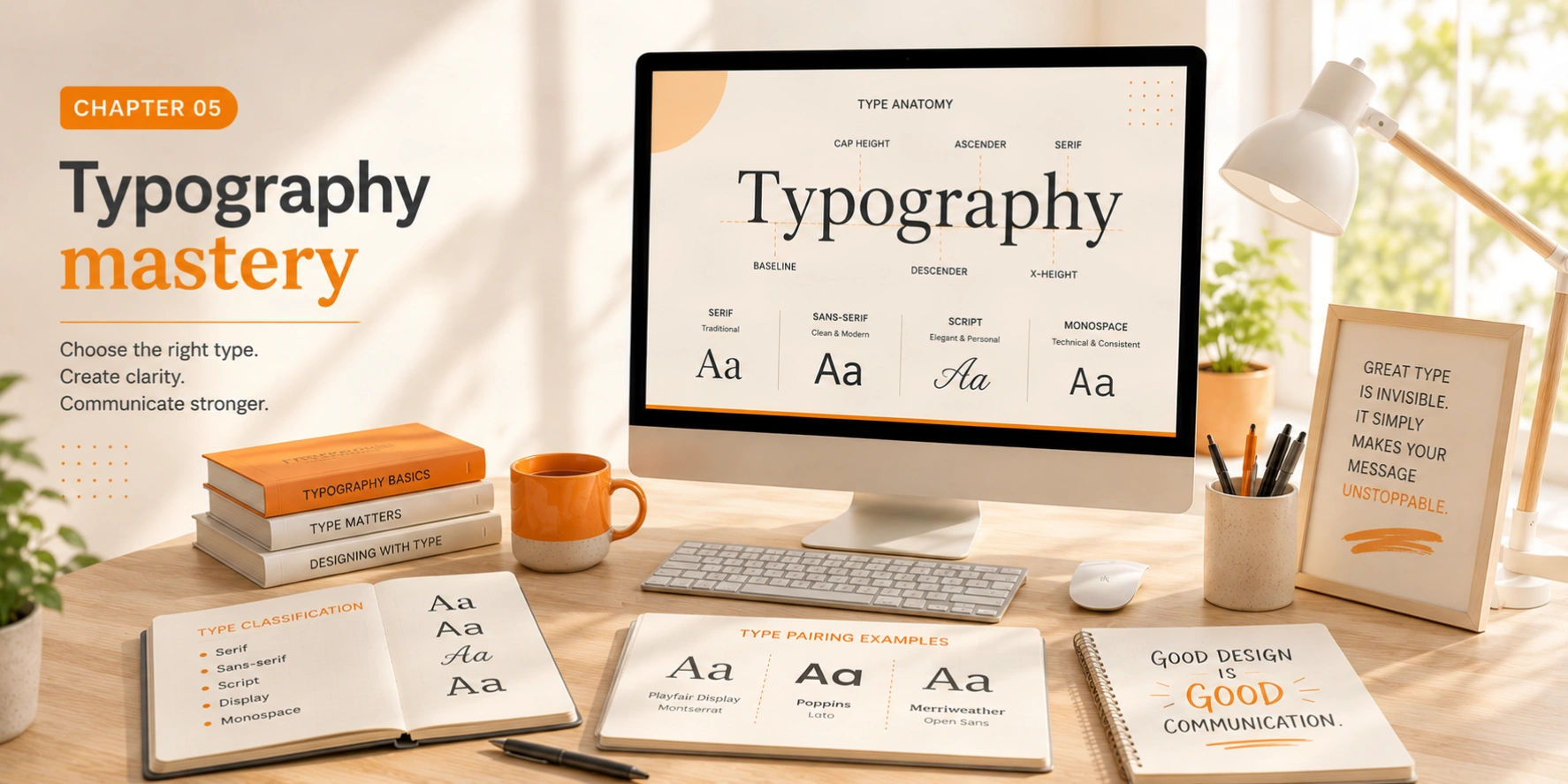
Typography is the art and technique of arranging type. It's one of the most important skills a designer can develop — good typography can make or break a design.
Type styles
The quick brown fox jumps over the lazy dog
Serif — Classic, trustworthy, traditional
The quick brown fox jumps over the lazy dog
Sans-serif — Modern, clean, accessible
The quick brown fox jumps over the lazy dog
Monospace — Technical, code-like, structured
Readability & legibility
Line length should be 50–75 characters for optimal readability. Line height should be 1.4–1.6× the font size. Ensure sufficient contrast between text and background, and limit yourself to 2–3 typefaces maximum.
Chapter 06
Layout & composition
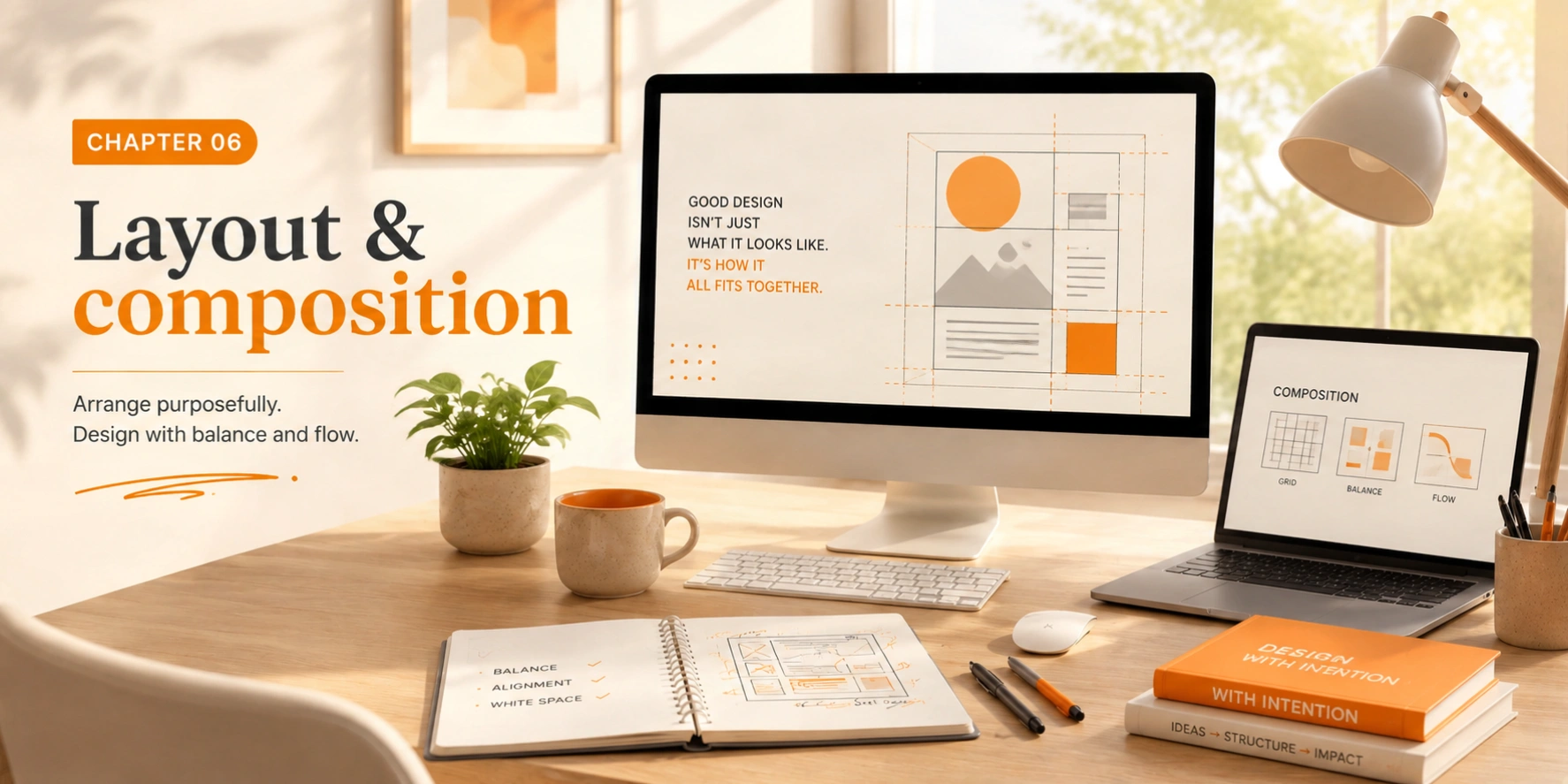
Layout is how you arrange elements on the page or screen. Good layout creates clear communication and guides the viewer through information logically.
The 12-column grid
Full width — 12 cols
Half — 6
Half — 6
Third
Third
Third
¼
¼
¼
¼
Main — 8
Sidebar — 4
White space
Empty space isn't wasted space — it gives designs breathing room, creates focus, and conveys sophistication. The designers who understand negative space are often the most skilled.
Alignment
Everything should align to something. Proper alignment creates invisible connections between elements and makes designs feel organized and professional.
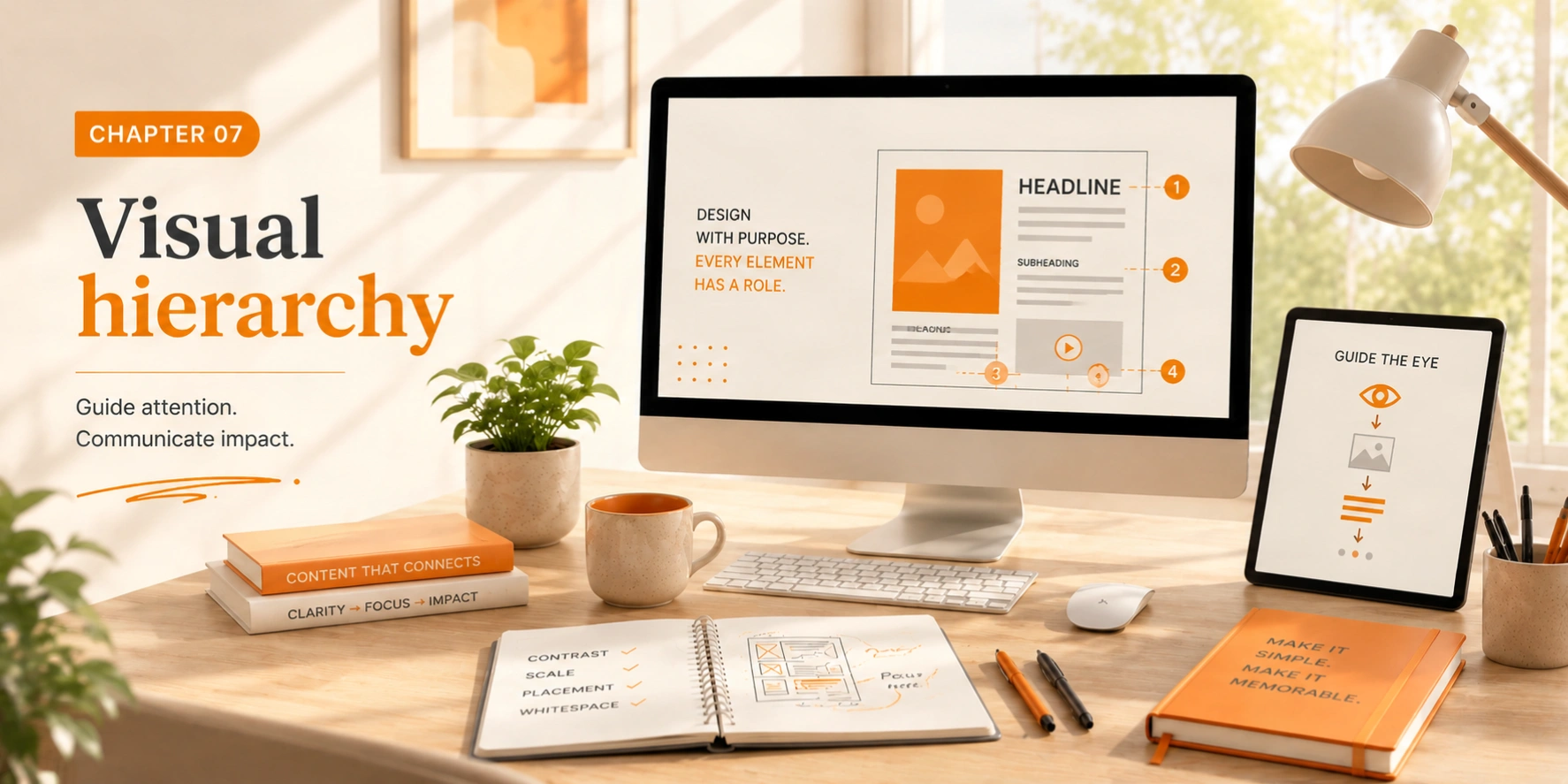
Chapter 07
Visual hierarchy
Visual hierarchy determines the order in which the human eye perceives what it sees. It's essential for guiding users and ensuring important information gets noticed.
Size & scale
Larger elements naturally draw attention first
Color & contrast
High contrast elements demand attention
Typography
Font size and weight create clear hierarchy
Spacing
More space makes elements feel important
Position
Top-left gets noticed first in Western reading patterns
Exercise
Look at a webpage and identify the hierarchy. What catches your eye first, second, third? Analyze the techniques used to create that order.
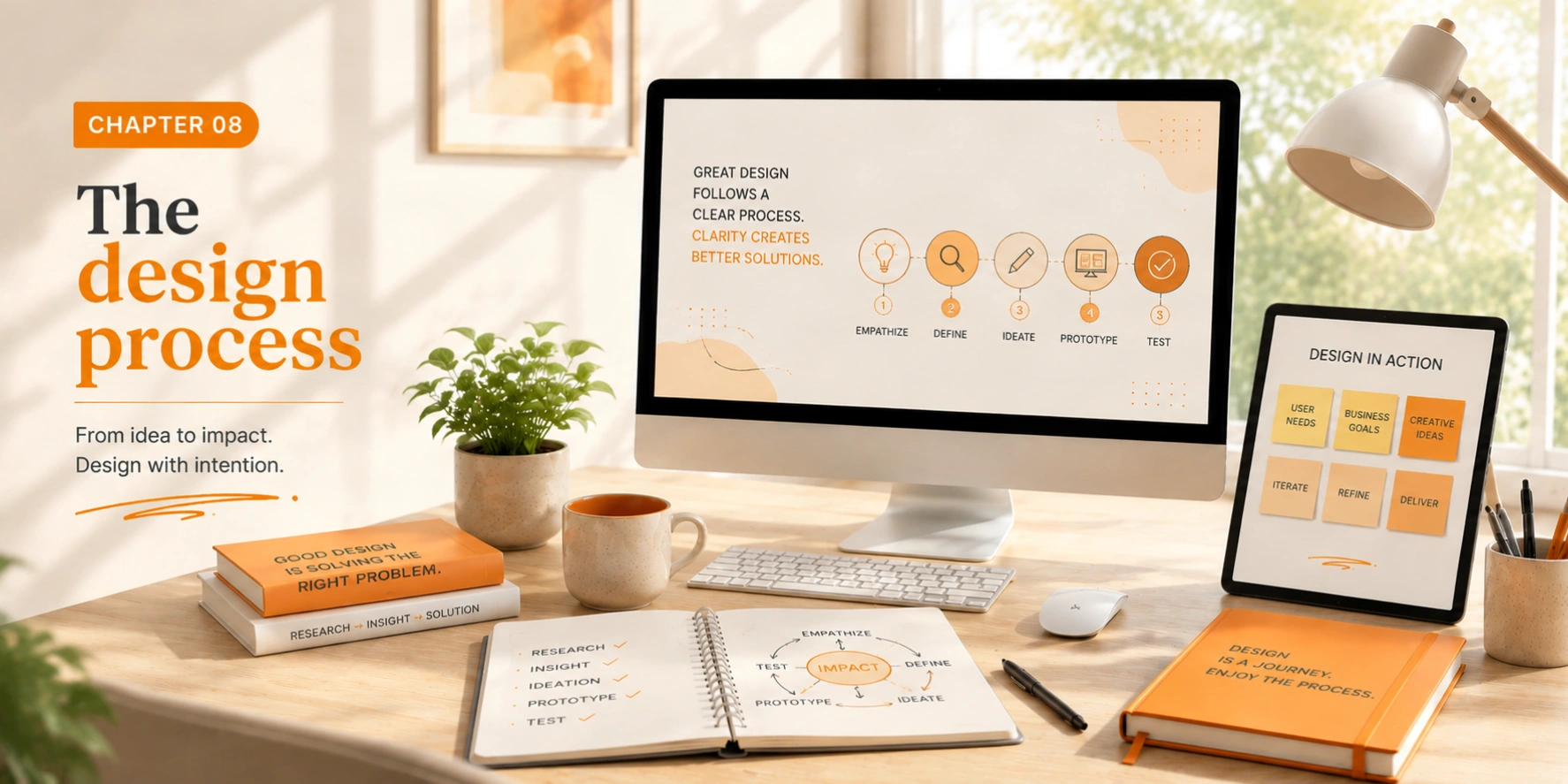
Chapter 08
The design process
Good design follows a process. While every designer develops their own workflow, these phases are nearly universal across every discipline and project type.
Discovery & research
Understand the problem, audience, and goals. Research competitors and gather inspiration.
Define & strategy
Synthesize research into clear objectives. Create user personas and journey maps.
Ideation & sketching
Generate multiple concepts quickly. Sketch ideas on paper before moving digital.
Design & refinement
Develop chosen concepts digitally. Create mockups and prototypes.
Testing & iteration
Test with real users. Gather feedback systematically and iterate.
Delivery & handoff
Prepare final files for production. Document decisions and create style guides.
Design is not a single thing. It's an ongoing process of learning, exploring, and refining.
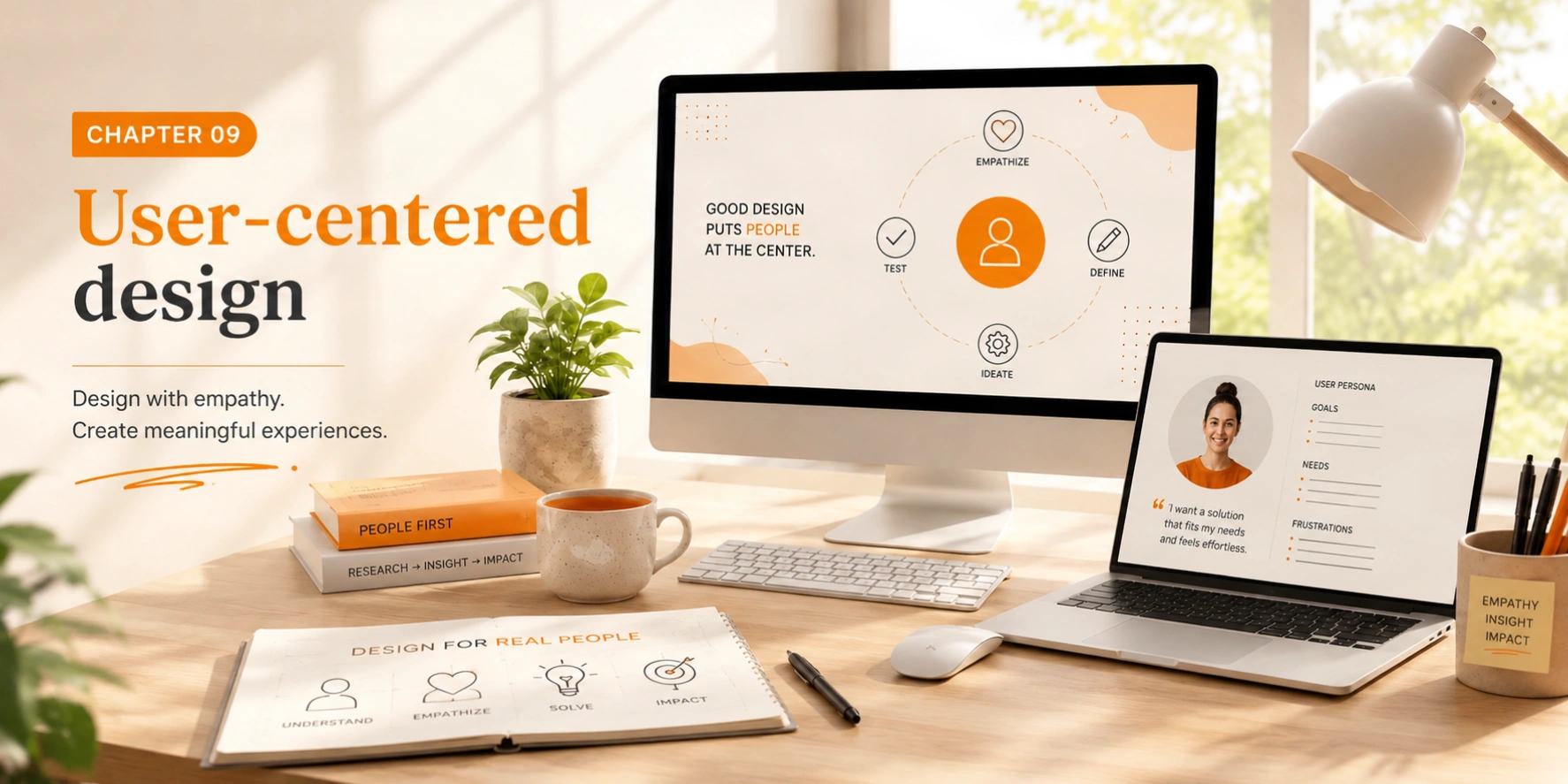
Chapter 09
User-centered design
Design exists to serve people. User-centered design puts human needs, capabilities, and behaviors at the center of every decision — before aesthetics, before convention.
Accessibility
Design for everyone, including people with disabilities
Usability
Make interfaces self-explanatory and efficient
User testing
Watch real people use your designs
Usability principles
  • Clarity — Make interfaces self-explanatory without needing instructions.
  • Consistency — Use familiar patterns and maintain them throughout.
  • Feedback — Provide clear, immediate responses to user actions.
  • Error prevention — Design to prevent mistakes before they happen.
  • Efficiency — Respect users' time and cognitive load.
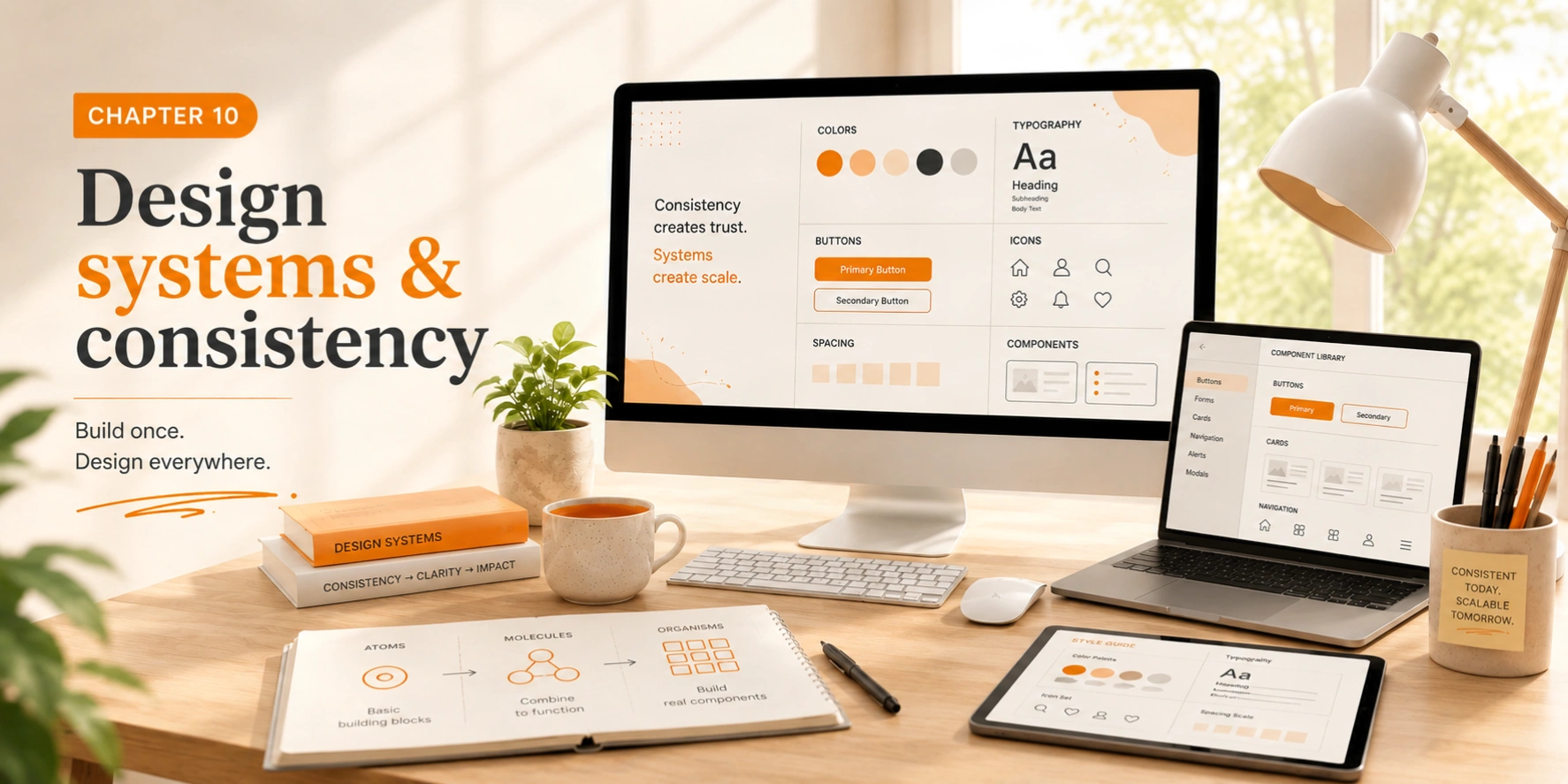
Chapter 10
Design systems & consistency
Design systems create consistency, efficiency, and scalability. They're especially critical for large projects or teams where coherence can otherwise drift over time.
Style guide
Colors, typography, spacing, and visual language documentation.
Component library
Reusable UI elements like buttons, forms, and navigation.
Pattern library
Common interface solutions and best practices.
Documentation
Guidelines for when and how to use each component.
Building your own
Start small with core components. Document decisions and rationale. Keep it maintainable — a design system should evolve with your product, not become a burden on it.
Chapter 11
Responsive & adaptive design
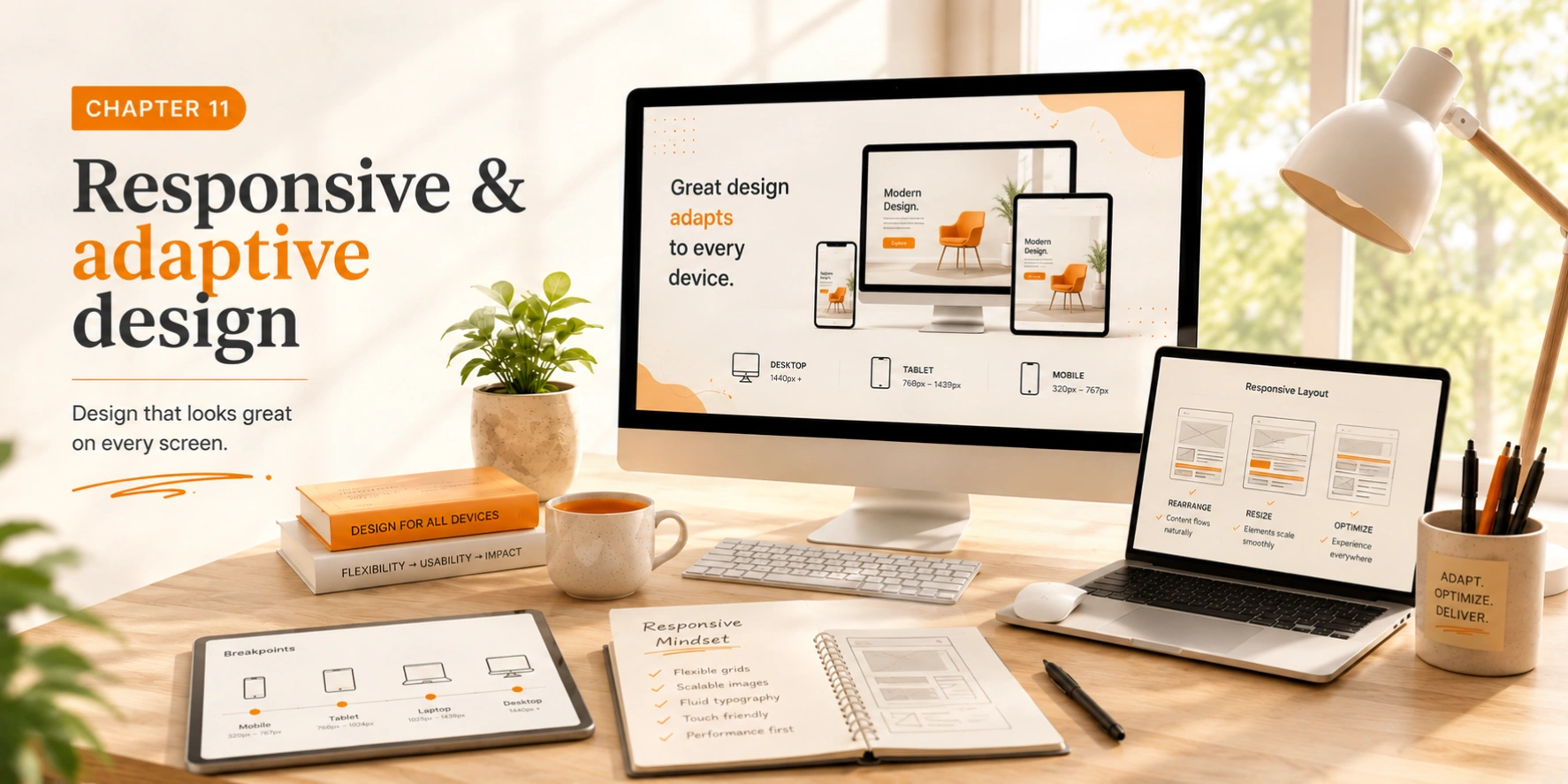
Modern designs must work across countless devices and screen sizes. Responsive design ensures great experiences everywhere — not just on the screen you designed it on.
Mobile-first
Design for smallest screens first, then enhance upward
Breakpoints
Design for key screen sizes: mobile, tablet, desktop
Performance
Optimize images and minimize resource load
Touch targets
Mobile interfaces require larger touch targets — minimum 44×44px. Provide adequate spacing between interactive elements. Test on real devices, not just browser simulators.
Pro tip
Physical interaction reveals usability issues that simulators miss every time. Real devices, real fingers, real context.
Chapter 12
Design with purpose
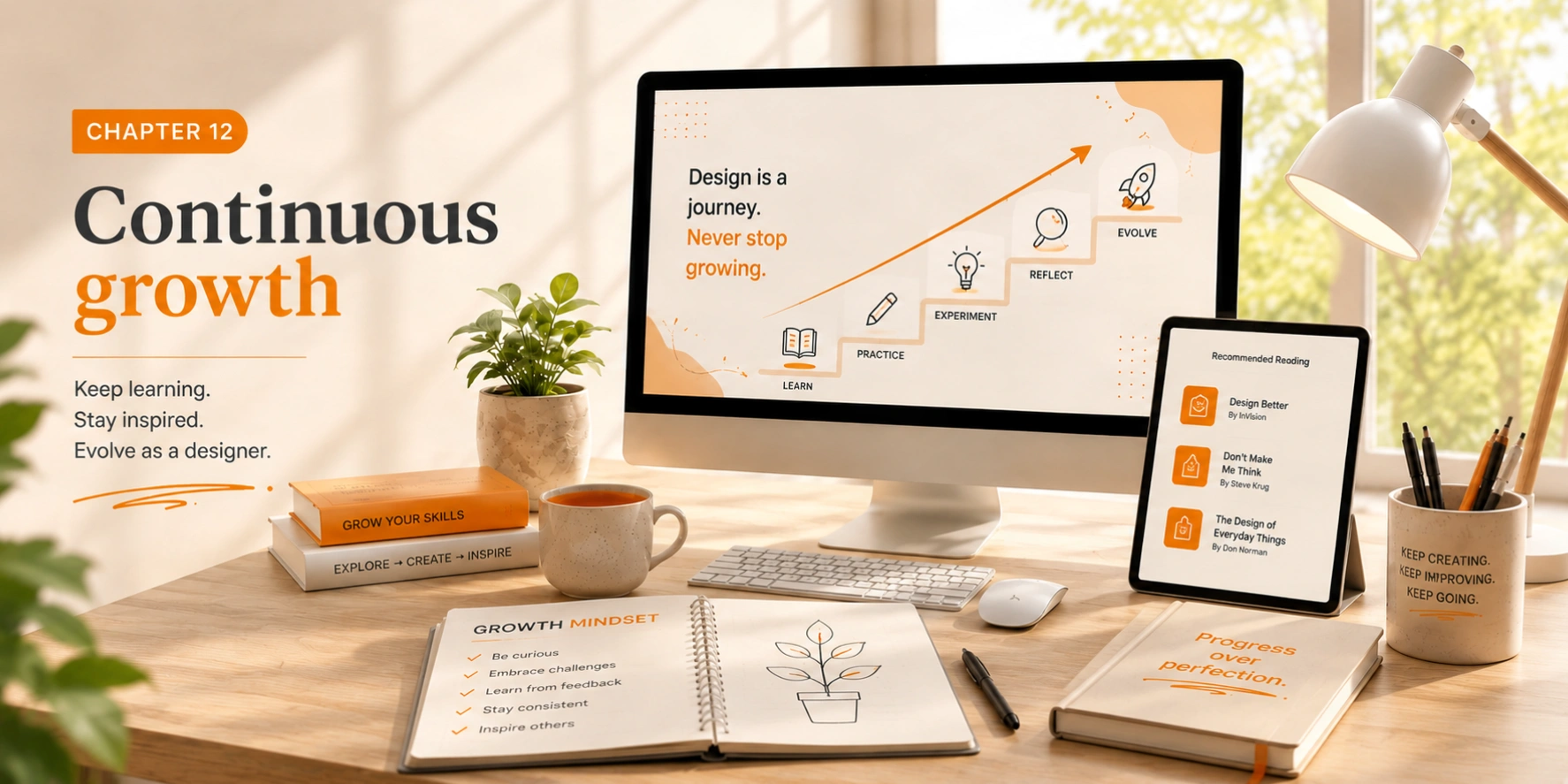
Design is a craft that requires lifelong learning. Technology changes, trends evolve, and user expectations shift. The principles here are timeless — but your application of them should always be fresh.
Keep learning
Study designs you admire and follow thought leaders in the field.
Build your process
Develop your own unique, repeatable approach to design problems.
Share knowledge
Teaching others solidifies your own understanding deeply.
Design with purpose
Solve real problems and create meaningful, lasting experiences.

Design Solutions

Custom-built projects to align with your brand and goals.

SEO Optimization

Enhanced speed, search engine visibility, and user engagement.

Mobile Responsive

Consistent performance across all devices and platforms.

Future-Proof

Lorem ipsum dolor sit amet, consectetuer adipiscing elit.

Security

We implement robust security measures ensuring high performance and reliability.

Ongoing Support

Continuous updates, security enhancements, and technical assistance.