

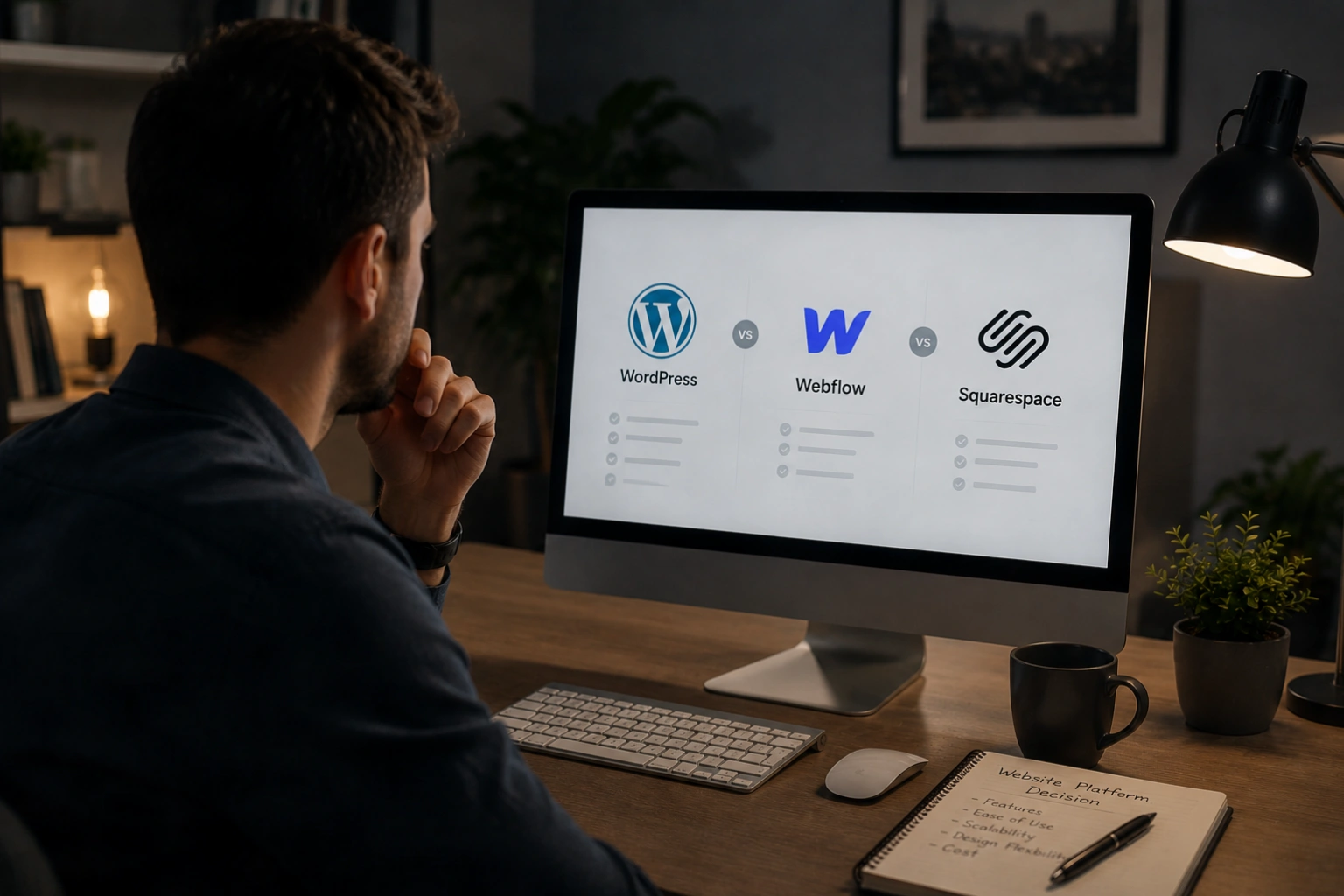
The platform your website is built on shapes every aspect of what is possible, what it costs, how fast it runs, who can manage it, and how it grows with your business. WordPress, Webflow, and Squarespace are the three platforms that dominate the conversation for most small and medium businesses, and the right choice between them is not universal. It depends entirely on your situation: your team's technical capability, your growth ambitions, your content needs, your budget, and what control you actually need over your site day to day.
Most comparisons of these platforms descend into partisan arguments from advocates of each. This guide takes a different approach: an honest assessment of what each platform is genuinely good at, what its real limitations are, and which types of businesses and projects each one is best suited for. The goal is not to recommend one platform universally but to give you the framework to make the right decision for your specific situation.
At AG Art Studio, we build across all three platforms and have strong views on which is right for which project. Here is our honest take.
Understanding what each platform actually is
Before comparing them, it helps to understand what category of tool each platform represents, because they are not the same type of product despite all being used to build websites.
WordPress: the open-source CMS
WordPress is open-source software that you download, install on a hosting server you control, and extend with themes and plugins from a vast ecosystem. It is not a hosted service in the way Squarespace or Webflow are; it is software you run yourself on your own infrastructure. This distinction is fundamental to understanding its strengths and limitations. Because it is open source, there are no platform fees and no restrictions on what you can build. Because you run it yourself, you are responsible for hosting, security, updates, and maintenance. The flexibility is essentially unlimited; the responsibility is entirely yours.
Webflow: the visual development platform
Webflow occupies a distinctive middle ground between website builders and full code development. It is a hosted, browser-based platform that generates clean, professional HTML, CSS, and JavaScript from a visual interface, without requiring the user to write code. The output is a genuinely custom-coded website rather than a theme applied to a template. Webflow also includes its own CMS for managing dynamic content, its own e-commerce capability, and its own hosting infrastructure. It is significantly more capable than Squarespace and produces higher-quality design output, but it has a steeper learning curve and a higher monthly cost.
Squarespace: the all-in-one website builder
Squarespace is a fully managed, all-in-one platform that handles hosting, security, updates, and domains within a single subscription. It is the most constrained of the three platforms in terms of customisation but the most accessible in terms of getting a professional-looking website live quickly with minimal technical knowledge. Squarespace templates are among the best-designed of any website builder, and the editing interface is the most intuitive of the three options. Its limitations become apparent when you need functionality that falls outside its core feature set, at which point the constrained ecosystem and limited extensibility become real barriers.

The best platform is the one that your team can manage confidently, your budget can sustain long term, and your business can grow on without hitting a ceiling in the next three years.
Head-to-head platform comparison
| Feature | WordPress Open source CMS | Webflow Visual dev platform | Squarespace All-in-one builder |
|---|---|---|---|
| Design & customisation | |||
| Custom design freedom | |||
| Design quality out of the box | |||
| Animation and interactions | |||
| Content management | |||
| Blog and content publishing | |||
| Ease of content editing | |||
| Custom content structures | |||
| Technical & performance | |||
| Performance potential | |||
| SEO control | |||
| Third-party integrations | |||
| E-commerce capability | |||
| Ownership & cost | |||
| You own the platform | |||
| Platform fee (monthly) | Hosting only ~£10–80 | £14–£35+ | £11–£30+ |
| Portability (can move host) | |||
| Maintenance burden | |||
| Security management | Owner's responsibility | Platform managed | Platform managed |
| Plugin / update management | Requires regular updates | No plugins needed | Fully managed |
| Technical skill required | Medium to high | Medium | Low |
Strong Partial or limited Not available
Which platform is right for which business
The questions to ask before deciding
- List every piece of functionality your site needs at launch and in the next two years and check each platform supports it natively or through integrations
- Identify who in your team will manage content updates and assess whether they have the technical confidence for WordPress or need the simplicity of Squarespace
- Calculate the total annual cost of each platform including hosting, licences, plugins, and any agency support required for maintenance
- Check whether your CRM, booking system, or other key business tools have direct integrations with your preferred platform
- Assess how important design originality is for your brand; if being visually distinctive is a competitive priority, Webflow or a custom WordPress build outperforms Squarespace templates
- Consider your content volume; if you plan to publish regularly and build a large blog or resource library, WordPress is the stronger long-term choice
- Ask your studio which platform they have the most experience building and supporting, and factor that into the decision alongside the platform's own merits
The platform question matters less than the quality of what is built on it. A poorly designed WordPress site is worse than a well-designed Squarespace site. A well-built Webflow site outperforms a bloated, plugin-heavy WordPress site on every performance metric. The platform sets the ceiling; the execution determines where within that ceiling you actually land. Choose the platform that matches your real requirements and then invest in building it properly, regardless of which one that turns out to be.
Yes, but it is not straightforward. Migrating from one platform to another typically requires rebuilding the site from scratch on the new platform, as the underlying code and content structures are incompatible between them. Content such as blog posts can sometimes be exported and imported, but design, layout, and functionality must be rebuilt. This is one of the strongest arguments for choosing the right platform at the outset: migration costs are significant enough that getting the initial decision right is worth the time it takes.
The WordPress software itself is free, but running a WordPress site has real costs: hosting (typically £10 to £80 per month depending on the quality of provider), a domain name (around £10 to £15 per year), any premium themes or plugins you choose to use (typically £50 to £300 per year in licences), and the time or cost of maintenance and updates. The total ongoing cost of a properly maintained WordPress site is usually comparable to a Squarespace subscription, and potentially higher if you require premium plugins or professional maintenance support.
Yes, Webflow has strong SEO capabilities. It generates clean semantic HTML, supports all standard on-page SEO controls including custom title tags, meta descriptions, canonical tags, Open Graph tags, and structured data, and produces fast-loading pages that perform well on Core Web Vitals assessments. For most SEO use cases Webflow is comparable to WordPress with Yoast, and for some technical SEO metrics its cleaner code output gives it an advantage. The main SEO limitation compared to WordPress is a smaller ecosystem of SEO-specific tools and extensions.
This is a legitimate risk with any hosted platform, and one that is worth factoring into the decision. Both Squarespace and Webflow are established companies with large user bases, making an immediate shutdown unlikely, but the risk is not zero. If either platform ceased to operate, you would need to migrate your site to another platform quickly, which would require a rebuild. Webflow offers more export options than Squarespace, allowing you to download your site's HTML, CSS, and JavaScript as a static export, though dynamic CMS content and functionality would not transfer. WordPress eliminates this risk entirely, as your site lives on infrastructure you control.
For serious e-commerce, WordPress with WooCommerce is the most powerful and flexible option of the three, supporting complex product catalogues, multiple payment gateways, advanced inventory management, subscriptions, and a vast ecosystem of extensions. Webflow's e-commerce is capable for small to medium product catalogues but lacks the depth of WooCommerce for complex requirements. Squarespace's e-commerce is the most straightforward to set up and perfectly adequate for simple shops, but its transaction fees, limited payment options, and constrained product customisation make it unsuitable for businesses where e-commerce is a primary revenue channel. For dedicated high-volume e-commerce, Shopify is worth considering alongside all three.
For most established small businesses with growth ambitions, we recommend WordPress, built properly on quality hosting with a well-chosen theme or custom design. The combination of complete ownership, unlimited extensibility, the strongest SEO toolkit, and the largest support ecosystem makes it the most future-proof choice for the majority of projects. For design-led businesses or agencies where visual quality and animation are central to the brand experience, Webflow is our preferred alternative. Squarespace is a reasonable choice for very small businesses that need a straightforward brochure site with minimal ongoing management and no plans for significant growth or functionality expansion.