Design Principles Guide by Andi Gugu
A Comprehensive Guide
Design
Principles 2026
From fundamental elements to advanced systems, everything you need to design with intention, clarity, and lasting impact.
AG
Andi Gugu
AG Art Studio
12 Chapters
~35m Read time
100+ Concepts
scroll
Chapter 1 - Design Principles
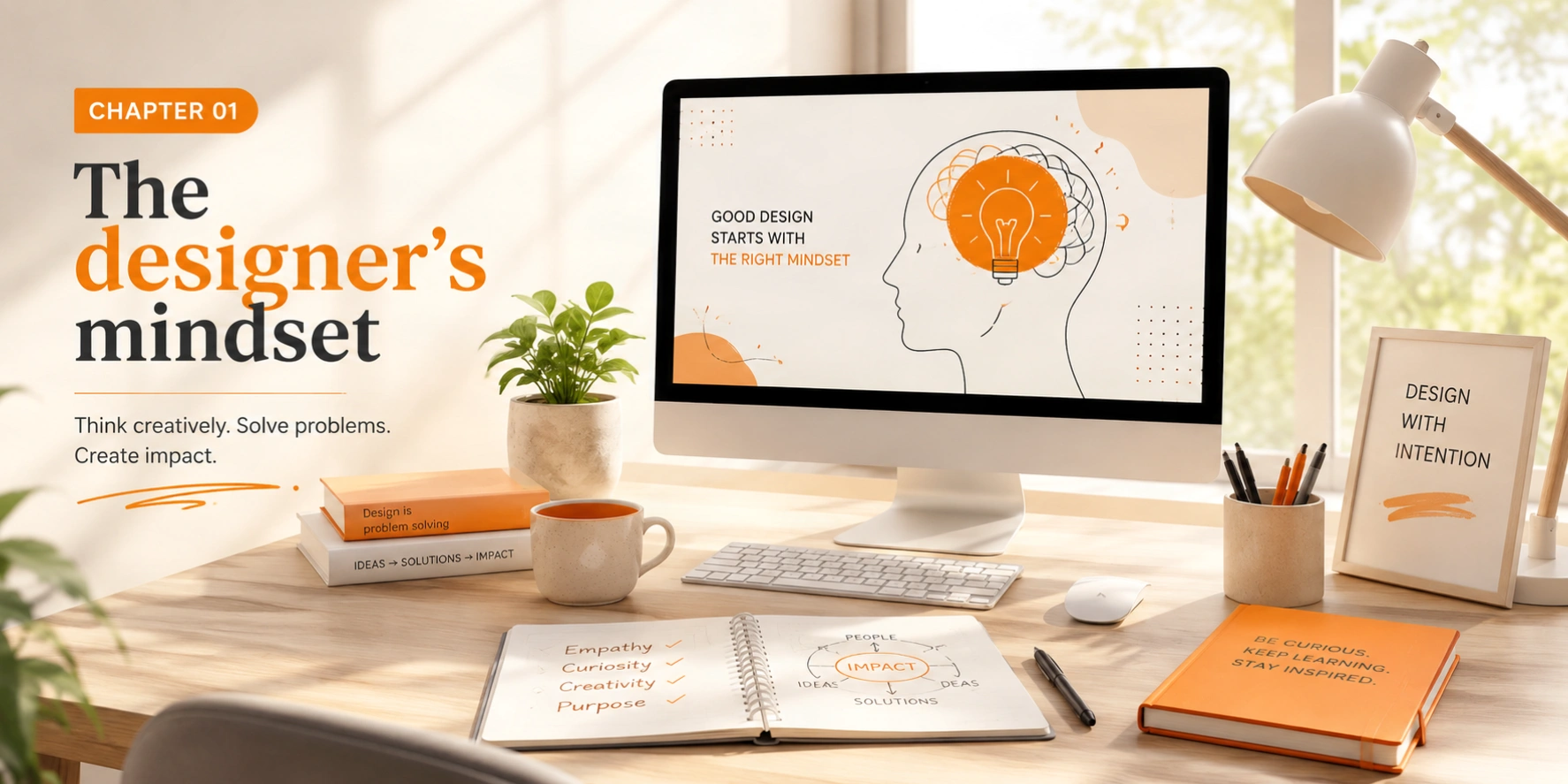
Chapter 01
The designer's mindset
Design is not just about making things look beautiful, it's about solving problems, communicating ideas, and creating experiences that resonate with people. As designers, we are visual problem-solvers: translators of complex ideas into simple, elegant solutions. The best designers are part artist, part psychologist, part engineer.
Developing a designer's mindset means learning to observe the world with fresh eyes. You start noticing why some signs are effortless to read and others confusing, why certain buttons feel satisfying to click, why some apps feel calming and others stressful. This awareness is your most powerful tool.
Good design is good business.
What makes great design?
Great design is invisible. It works so seamlessly that users don't notice the design itself, they simply accomplish their goals effortlessly. When design is noticed, it's usually because something went wrong: a confusing interface, a misread label, a button that doesn't look clickable.
But beyond invisibility, truly great design also has moments of deliberate delight, small touches that reward attention, that make someone feel cared for. The goal is to balance seamlessness with soul.
Purpose-driven
Every design decision serves a clear, defined goal, nothing is arbitrary
User-focused
Design for people, not for pixels or personal taste
Innovative
Push boundaries while staying functional and grounded
Observant
See the world as a designer, study what works and why
Cultivating curiosity
The most effective habit a designer can build is deliberate observation. Carry a notebook. Screenshot what inspires you. Study packaging in supermarkets, wayfinding in airports, interfaces in banks. Ask constantly: what decision was made here, and why? Good design education happens everywhere, not just at a desk.
94%of first impressions are design-related
0.05sto form an opinion about a website
200%increase in conversions with good UX
$100return per $1 invested in UX design
Chapter 2 - Design Principles
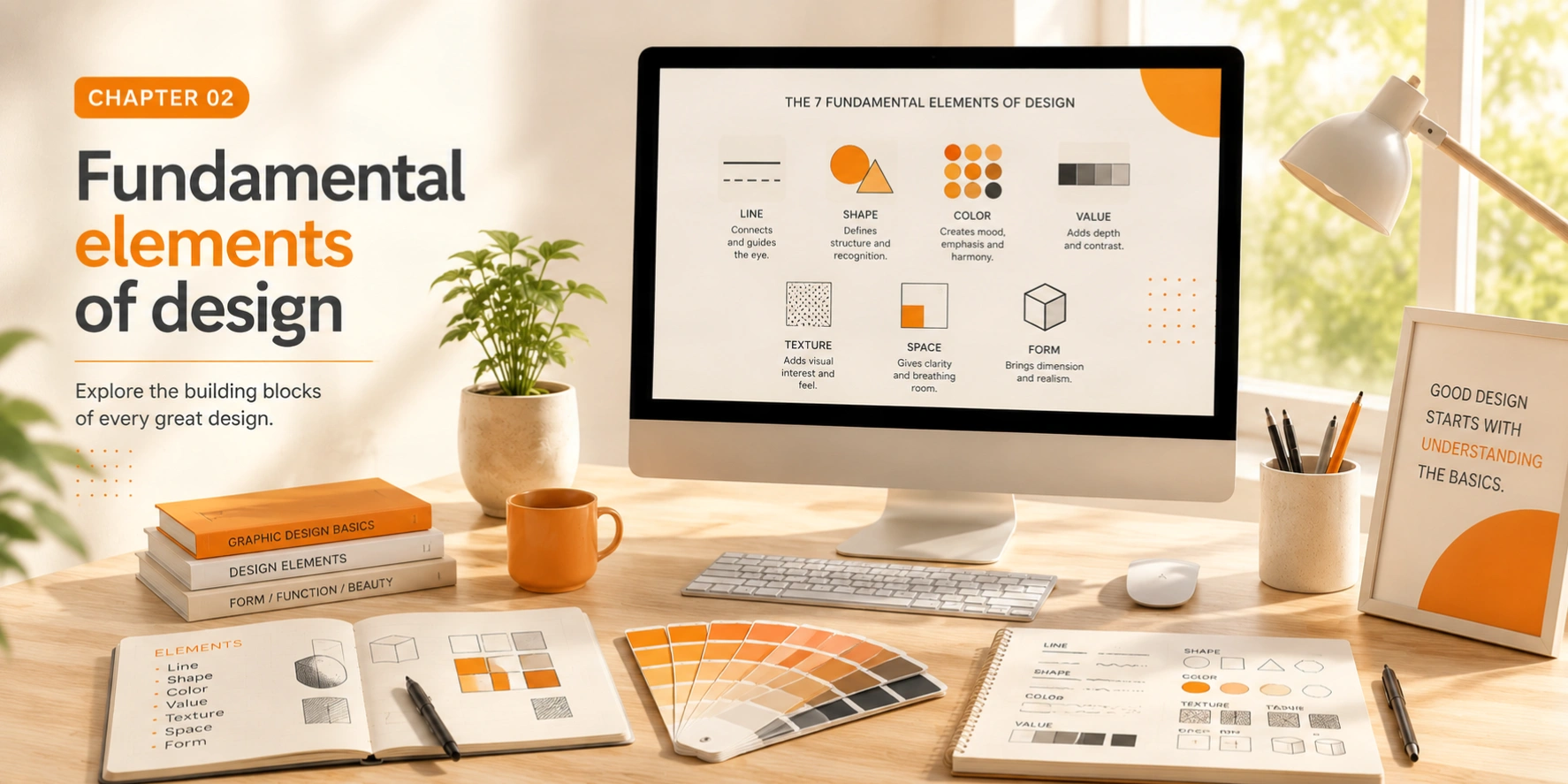
Chapter 02
Fundamental elements of design
Every design, no matter how complex, is built from basic elements. Understanding these building blocks is essential for creating effective visual communication. Think of them as the atoms of design, individually simple, but capable of infinite combination and expression.
Line
The most basic element, lines can guide the eye, create division, and convey movement or emotion. Thin lines feel delicate; thick lines feel bold and assertive. Diagonal lines suggest energy; horizontal ones suggest calm.
Shape
Geometric or organic shapes form the foundation of visual composition. Circles feel friendly and complete; squares feel stable and trustworthy; triangles create tension and direction. Shapes carry deep psychological weight.
Form
Three-dimensional shapes that add depth and realism to your designs. Understanding form helps you create convincing shadows, highlights, and depth cues even in flat 2D work.
Space
Negative space is just as important as positive space, it gives designs room to breathe. Masters of space use emptiness deliberately: to focus attention, to suggest relationships, to create luxury and openness.
Texture
Adds tactile quality to designs, creating depth and visual interest. Even in digital contexts, simulated textures connect designs to the physical world and trigger powerful sensory associations.
Color
Perhaps the most powerful element, color evokes emotion, establishes brand identity, creates visual interest, and communicates meaning across cultural contexts in fractions of a second.
Key takeaway
Master these seven elements and you'll have the complete vocabulary to analyze and create any design. The best designers can articulate exactly which elements they're manipulating and why. Start by analyzing great work through each lens, what is this design doing with line? With space? With value?
How elements interact
No element exists in isolation. A thick red line in a field of white space means something entirely different from the same line surrounded by other shapes. The magic of design is in how you combine and contrast elements to create meaning, hierarchy, and emotion. Learning to see these interactions is the leap from understanding theory to practicing design fluently.
Chapter 3 - Design Principles
Chapter 03
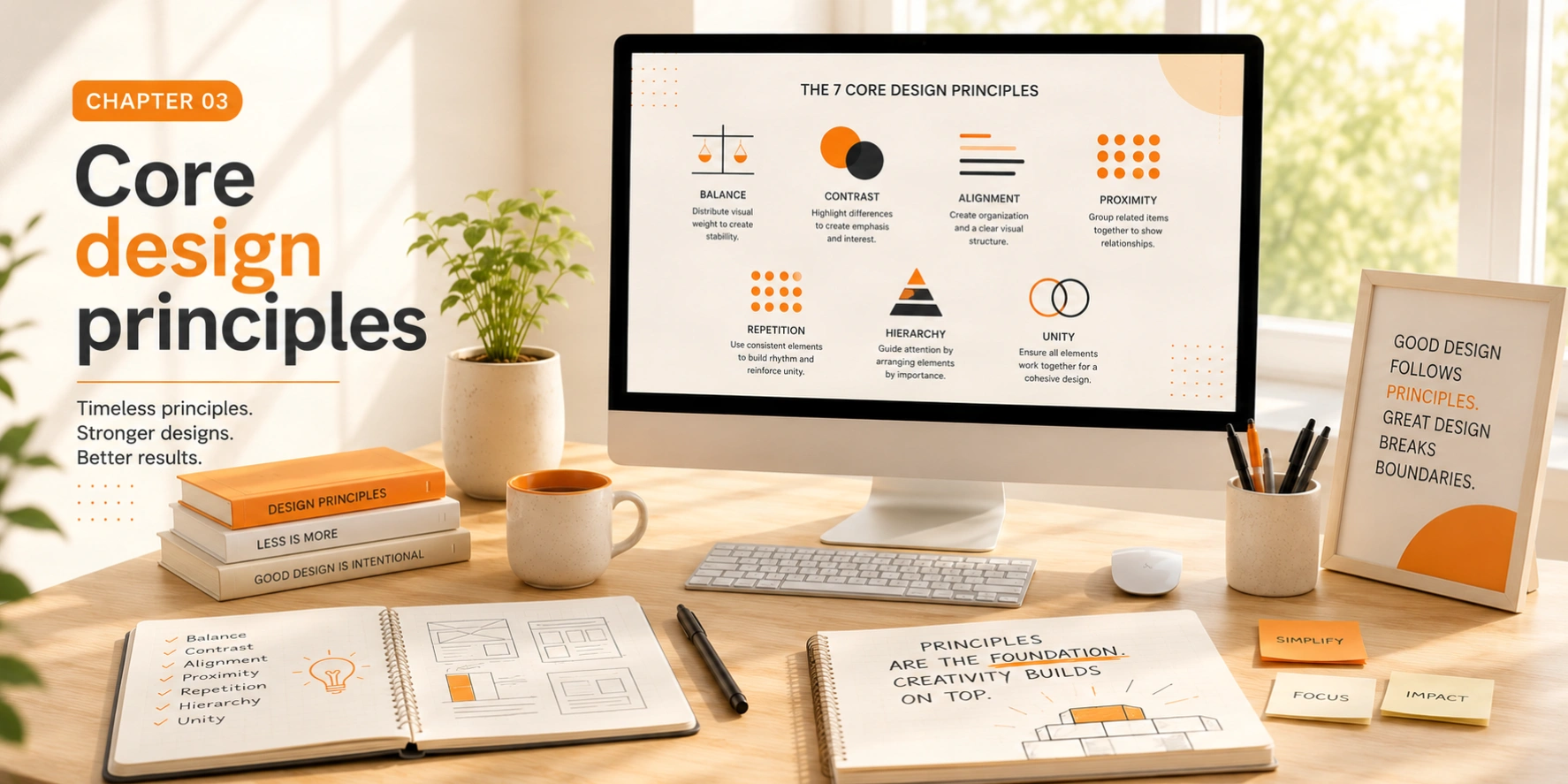
Core design principles
While elements are the building blocks, principles are the rules that guide how we arrange those blocks. These principles apply across all design disciplines, from graphic design and UI to architecture and product design. Think of them as the grammar of visual language.
Balance
Balance creates stability and structure. Symmetrical balance (formal, stable) mirrors elements across an axis and feels authoritative and classical. Asymmetrical balance is dynamic and interesting, heavier elements are offset by multiple lighter ones, creating visual tension that keeps the eye moving. Both serve different communicative purposes.
Contrast
Contrast creates visual interest and draws attention. Use differences in size, color, shape, weight, or texture to create focal points and establish hierarchy. Without contrast, everything competes equally for attention and the result is visual chaos. High contrast = urgency and excitement. Low contrast = calm and sophistication.
Emphasis
Every design needs a focal point, the first place the eye should land. Without emphasis, designs feel chaotic and purposeless. Emphasis is created through size, color, contrast, isolation, or simply placing an element where the eye naturally goes first. Identify your most important message and make it unmistakably clear.
Movement
Guide the viewer's eye through your design using lines, shapes, and strategic placement. Good movement creates a visual journey that tells a story, leading from the most important information to supporting details in a natural, compelling sequence. Diagonal compositions inherently create movement; horizontal ones feel static.
Pattern & repetition
Repetition creates consistency and rhythm. It unifies design elements, makes complex information more digestible, and builds visual brand recognition. When you repeat colors, shapes, or typographic styles, you signal to the viewer that elements are related, a powerful communication shortcut.
Proportion
The relationship between elements creates harmony or tension. The golden ratio (1:1.618) and the rule of thirds are time-tested proportion systems. Understanding proportion helps you create balanced, aesthetically pleasing compositions that feel instinctively right, because they align with how humans naturally perceive beauty.
Unity
All elements should feel like they belong together. Unity is achieved through consistent color palettes, repeated shapes, shared typographic styles, and visual alignment. It creates cohesion and professionalism. A design can be visually interesting and varied while still maintaining clear unity, in fact, that's the ideal.
Design in the absence of content is not design, it's decoration.
These principles are not rules to follow robotically, they're lenses to evaluate your work. When something feels wrong, run through the checklist: is the balance off? Is there enough contrast? Is there a clear focal point? You'll often identify the problem immediately.
Chapter 4 - Design Principles
Chapter 04
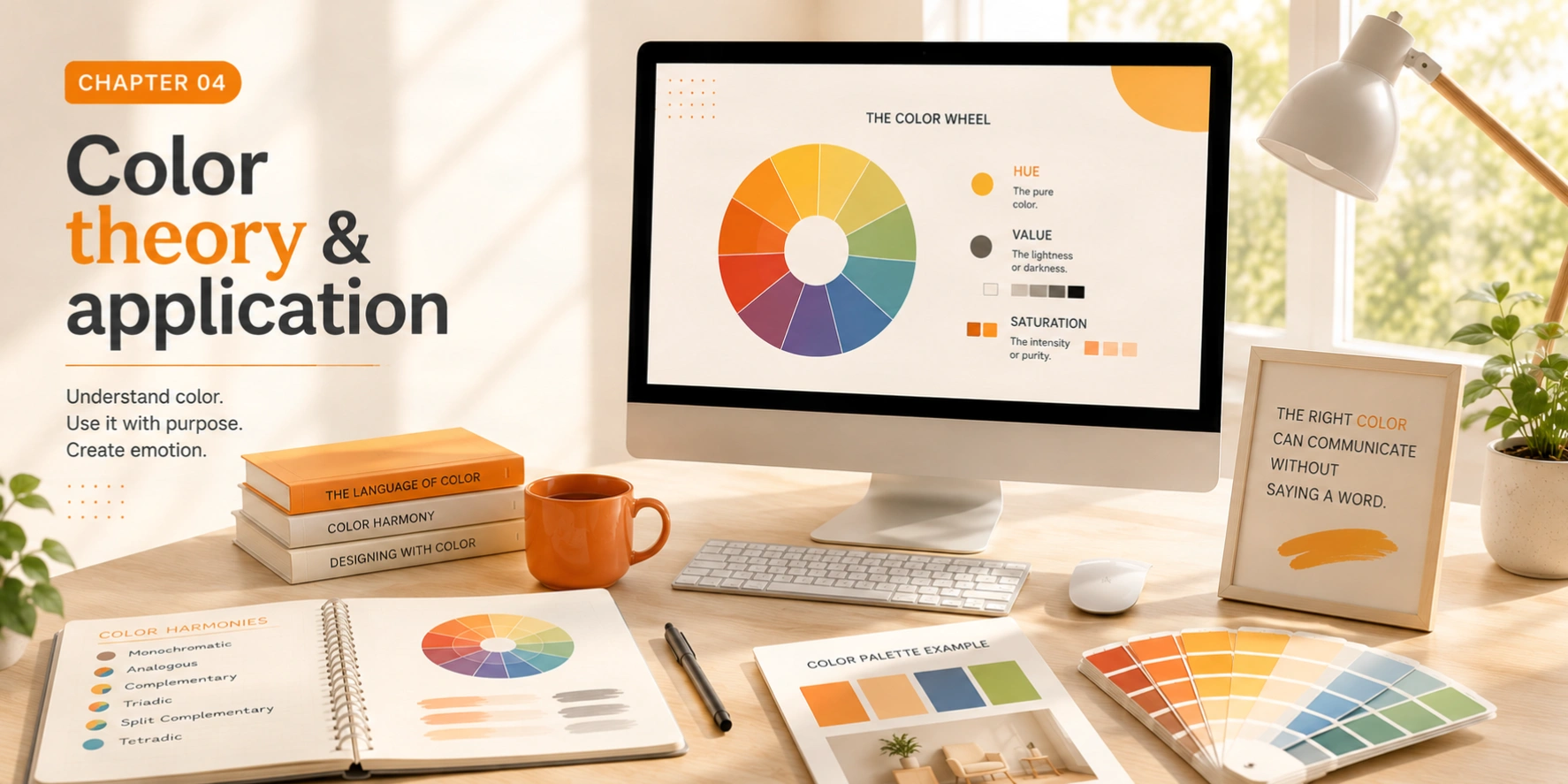
Color theory & application
Color is one of the most powerful tools in a designer's arsenal. It communicates mood, creates emphasis, and influences perception and behavior before a single word is read. Color decisions are never purely aesthetic, they carry meaning, trigger emotion, and can define an entire brand identity.
The color wheel
Primary colors (red, blue, yellow) combine to create secondary colors (orange, green, purple), which in turn create twelve tertiary colors. Understanding these relationships is the foundation of every palette decision you will ever make.
Red
Orange
Yellow
Green
Blue
Purple
Color harmonies
Complementary
Colors directly opposite on the wheel create maximum contrast and vibrant, energetic looks. Use sparingly, best for calls-to-action and highlighting the most important element.
Analogous
Adjacent colors on the wheel create harmonious, serene, and cohesive designs. This is the most common palette in nature. Excellent for backgrounds and content-heavy interfaces.
Triadic
Three evenly spaced colors create balanced, vibrant, and visually rich designs. Requires careful proportioning, use one color as dominant and the others as supporting accents.
Monochromatic
Variations of a single hue, different tints, tones, and shades, create sophisticated, unified, and elegant designs. Often used in luxury branding for its refined restraint.
Split-complementary
A color plus the two adjacent to its complement, softer contrast than a direct complement, but still vibrant. A more forgiving version of complementary harmony for beginners.
Tetradic
Four colors forming a rectangle on the wheel. Rich and complex. Requires careful balance, let one color dominate, use others as accents in measured proportions.
Color psychology
Colors carry deep psychological associations that vary across cultures but share many universal tendencies. Red signals urgency, passion, and danger. Blue communicates trust, calm, and authority. Green evokes nature, growth, and health. Yellow stimulates attention and optimism. Black suggests sophistication, authority, and luxury. White signals cleanliness, simplicity, and space.
Pro tip: the 60-30-10 rule
Use 60% dominant color for the main background or largest areas, 30% secondary color for supporting elements and contrast, and 10% accent color for buttons, highlights, and calls-to-action. This ratio creates visual balance that feels professional every time and gives your accent color maximum impact through scarcity.
Accessibility & contrast
Color accessibility is not optional, it's a fundamental responsibility. WCAG guidelines require a minimum contrast ratio of 4.5:1 for normal text and 3:1 for large text. Approximately 1 in 12 men and 1 in 200 women have some form of color vision deficiency. Always check your palettes with contrast checkers, and never rely on color alone to convey meaning.
Chapter 5 - Design Principles
Chapter 05
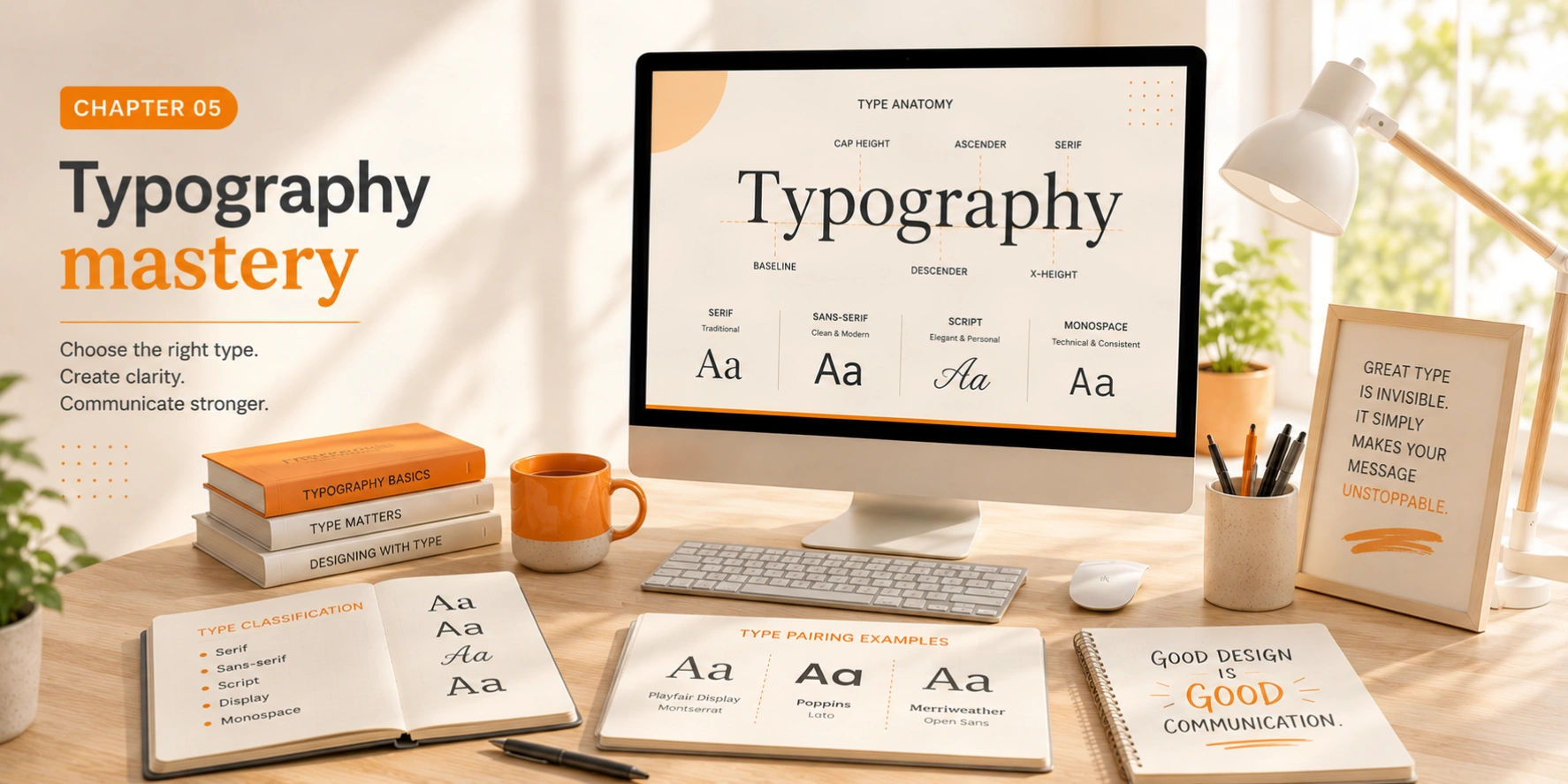
Typography mastery
Typography is the art and technique of arranging type to make written language legible, readable, and visually compelling. It's one of the most important skills a designer can develop, good typography can elevate mediocre content, while bad typography can destroy great content.
Type classifications
The quick brown fox jumps over the lazy dog
Serif — Classic, trustworthy, editorial, traditional authority
The quick brown fox jumps over the lazy dog
Sans-serif — Modern, clean, accessible, screen-optimized
The quick brown fox jumps over the lazy dog
Monospace — Technical, code-like, structured, retro-digital
The quick brown fox jumps over the lazy dog
Display / Italic — Expressive, emotional, editorial accents
The typographic scale
A typographic scale is a curated set of font sizes that relate harmoniously to each other. The classic modular scale uses a ratio (commonly 1.25 or 1.618) to generate sizes. Rather than picking arbitrary numbers, a scale creates inherent rhythm and makes hierarchy decisions much easier. Start with your body text size and scale up and down from there.
Readability rules
  • Line length: 50–75 characters per line for optimal reading comfort. Too short fragments thought; too long loses the eye at the line end.
  • Line height: 1.4–1.6× the font size for body text. Tighter for headlines, looser for small text or dyslexic-friendly settings.
  • Contrast: Minimum 4.5:1 ratio against background. Never use pure black (#000) on white use dark grey (#1a1a1a) for softer, more comfortable reading.
  • Typeface pairing: Limit to 2 typefaces maximum. Pair one serif with one sans-serif, or use different weights and styles within a single type family.
  • Letter-spacing: Open tracking (loose letter-spacing) works well for all-caps labels and small text. Tight tracking suits large display headlines. Never alter tracking for body text.
  • Weight contrast: Use weight (light vs bold) as your primary tool for hierarchy within a single typeface before reaching for size or color differences.
  • Typography exercise
    Take any piece of text and set it three different ways, once with a serif, once with a sans-serif, once all-caps monospace. Notice how the same words feel completely different. Typography is not just about legibility; it's about voice, personality, and the emotional experience of reading.
    Chapter 6 - Design Principles
    Chapter 06
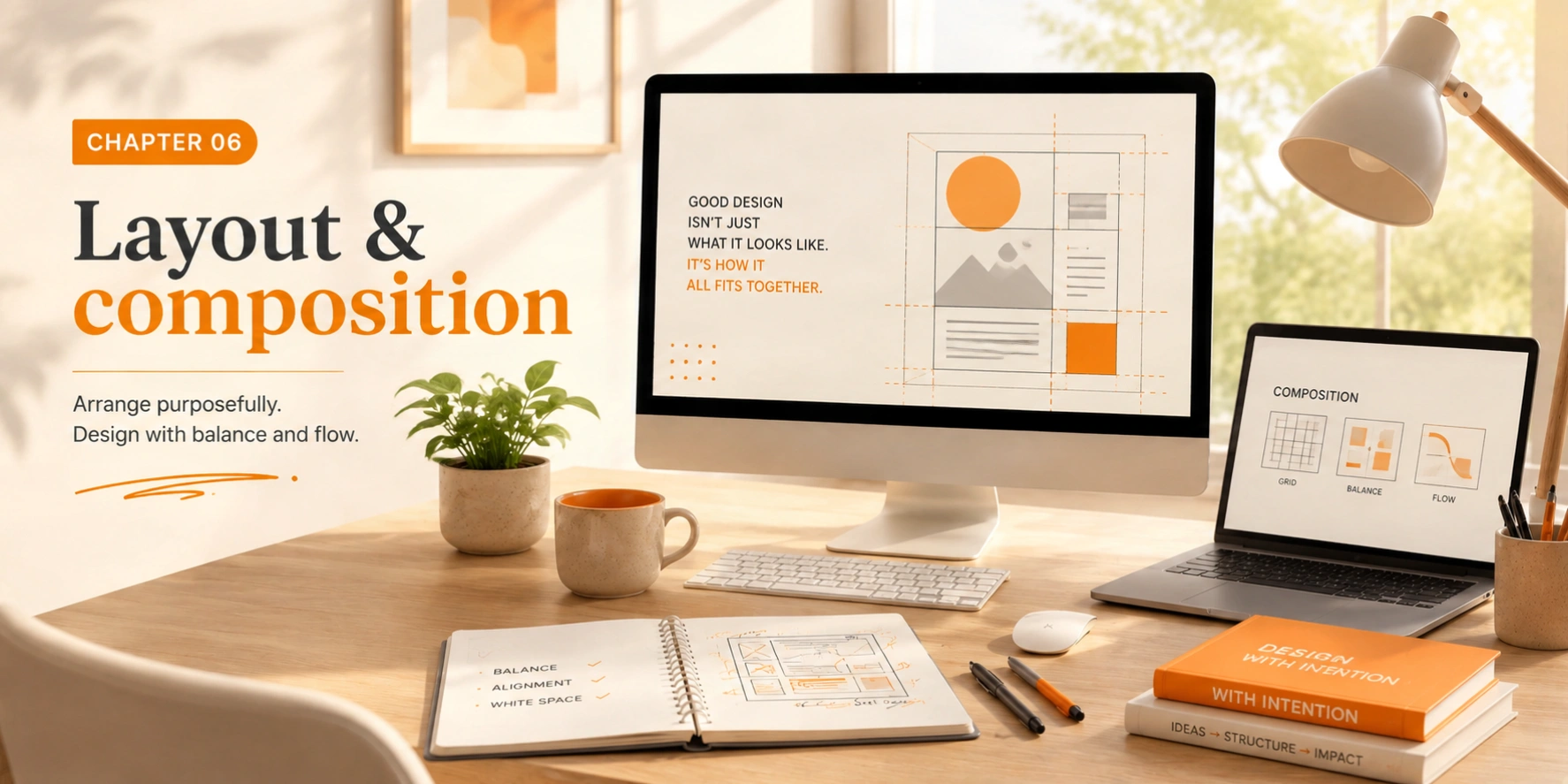
    Layout & composition
    Layout is how you arrange elements on the page or screen. Good layout creates clear communication, establishes visual flow, guides the viewer through information logically, and creates the spatial rhythm that makes design feel satisfying to inhabit.
    The 12-column grid
    Grids are the invisible structure underlying every professional layout. The 12-column grid is standard because 12 divides cleanly into halves, thirds, quarters, and sixths, giving tremendous flexibility while maintaining order. Below are common column configurations:
    Full width — 12 cols
    Half — 6
    Half — 6
    Third
    Third
    Third
    ¼
    ¼
    ¼
    ¼
    Main — 8
    Sidebar — 4
    2
    5
    5
    Composition techniques
    Rule of thirds
    Divide your canvas into a 3×3 grid. Place key subjects at the four intersection points where the lines cross. This creates naturally balanced, interesting compositions.
    Golden ratio
    The ratio 1:1.618 appears throughout nature and human perception as inherently beautiful. Use it for proportioning text blocks, image crops, and layout divisions.
    Symmetry vs tension
    Symmetrical layouts feel stable and formal. Intentional asymmetry creates tension, energy, and visual interest. Choose based on the emotional tone you want to create.
    White space is not empty space
    Novice designers fear empty space and fill every gap. Experienced designers treasure it. White space (or negative space) gives content room to breathe, makes key messages impossible to miss, signals quality and confidence, and dramatically reduces cognitive load. The more important something is, the more space you should give it.
    Alignment is equally critical, everything should align to something. Proper alignment creates invisible connections between elements and makes designs feel organized and professional. Even deliberate misalignment works better when you understand the underlying grid you're breaking.
    Chapter 7 - Design Principles
    Chapter 07
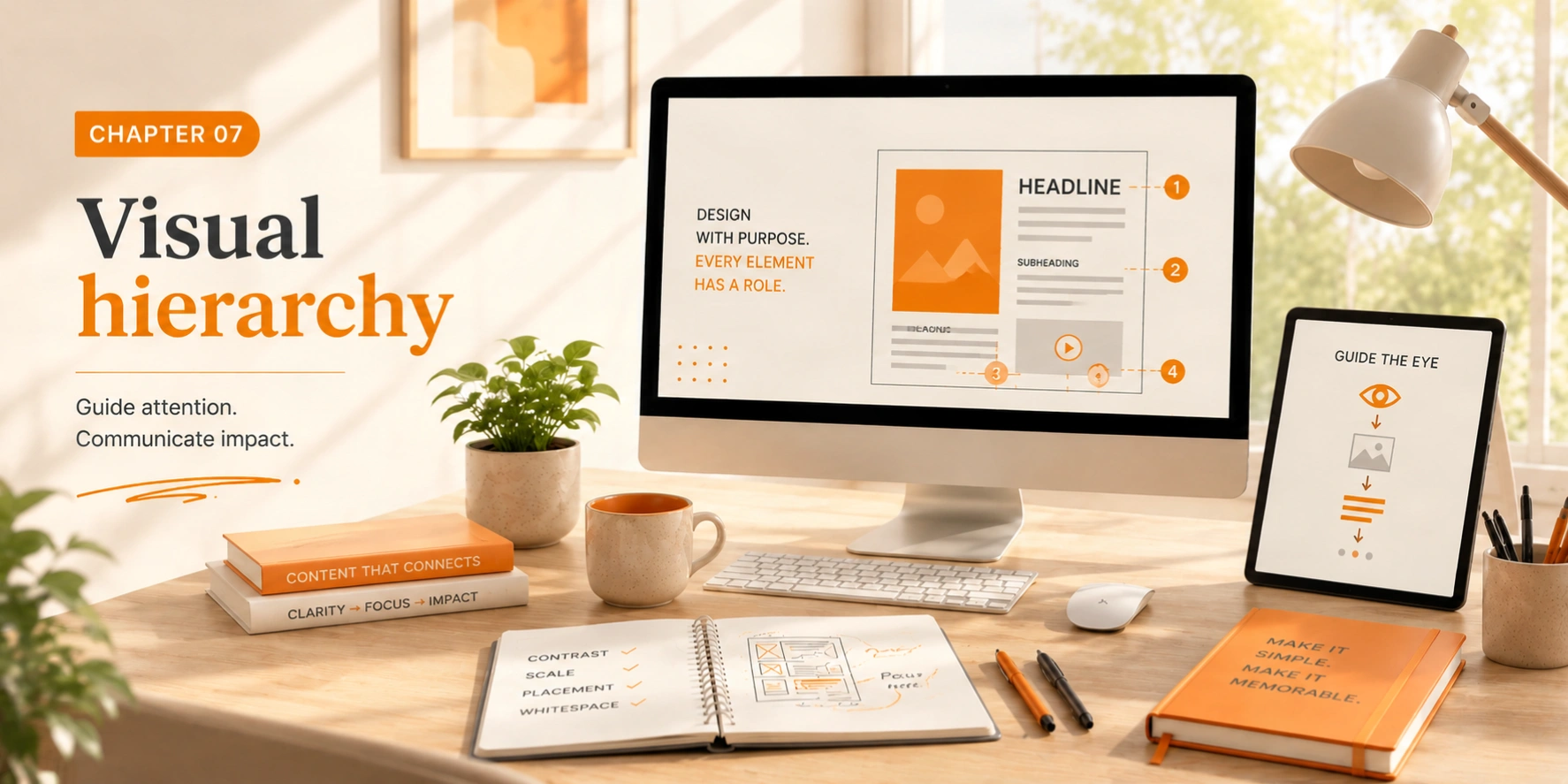
    Visual hierarchy
    Visual hierarchy determines the order in which the human eye perceives what it sees. Every design communicates a sequence, whether you intend it or not. The designer's job is to make that sequence serve the content's purpose, guiding users from the most critical information to supporting details in a logical, effortless journey.
    Size & scale
    Larger elements draw the eye first, use size to signal what matters most
    Color & contrast
    High contrast elements command attention; low contrast recedes
    Typography
    Font size, weight, and style create a readable visual hierarchy
    Spacing
    More whitespace around an element makes it feel more important
    The three levels of hierarchy
    Primary — The hook
    The single most important element: a headline, hero image, or critical action button. Make it unmistakably dominant. This is what stops the eye and makes someone decide to keep reading or engaging. You should only ever have one primary element per layout.
    Secondary — The body
    Supporting information that elaborates on the primary message: subheadings, supporting images, secondary body copy. Several secondary elements can coexist, but they must always be visually subordinate to the primary. Use size, weight, and color differences of about 50–70% of the primary element.
    Tertiary — The detail
    Fine-grain information for those who want it: captions, metadata, footnotes, secondary navigation. This layer should be visually quiet, easy to ignore at a glance but accessible to those seeking depth. Never let tertiary elements compete with primary or secondary information.
    Squint test
    Squint at your design until it's blurry. Whatever stands out most is your de facto primary element. If it's not what you intended to be primary, your hierarchy is broken. This test works because blurring removes detail and reveals only the largest contrast and size differences, the raw structure of your hierarchy.
    Chapter 8 - Design Principles
    Chapter 08
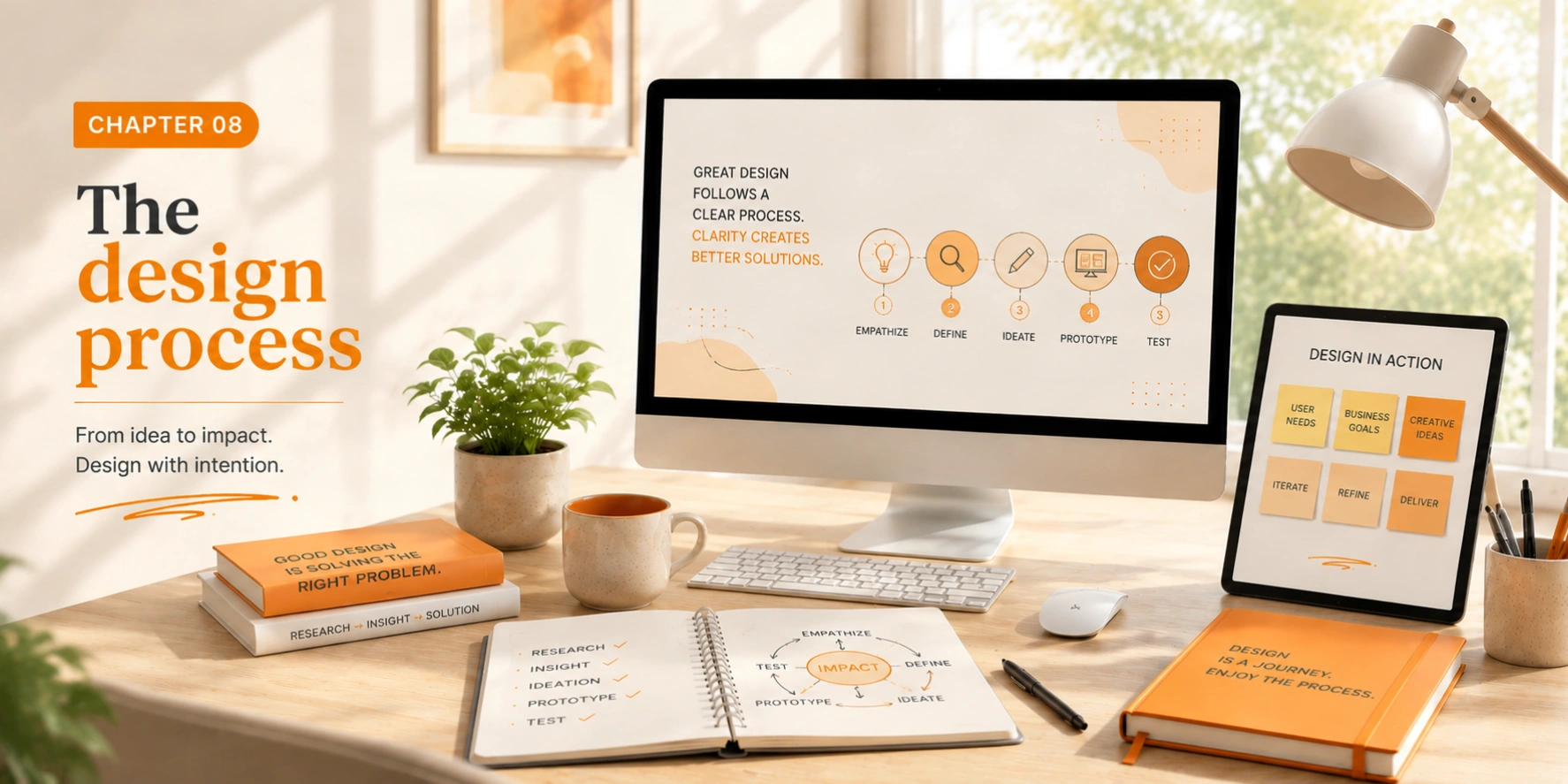
    The design process
    Good design follows a process. While every designer develops their own workflow over time, the phases below are nearly universal across every discipline and project type. The process isn't always linear, great designers move fluidly between phases as new understanding emerges.
    1
    Discovery & research
    Understand the problem deeply before touching any tools. Who is the user? What do they need? What does success look like? Research competitors, conduct interviews, gather data. The quality of this phase determines the quality of everything that follows.
    2
    Define & strategy
    Synthesize your research into a clear problem statement. Create user personas, map journeys, identify pain points, and establish measurable design goals. A well-defined problem is already half-solved, most design failures stem from solving the wrong problem.
    3
    Ideation & sketching
    Generate many ideas quickly without judgment. Sketch on paper first, this removes the temptation to polish prematurely and keeps ideas flowing. Set a goal of 20 rough concepts before evaluating any. The best idea is rarely the first idea.
    4
    Design & refinement
    Move the best sketches into your design tool. Start with low-fidelity wireframes to test structure and flow, then build toward high-fidelity mockups. Apply visual design principles: hierarchy, contrast, color, typography. Every pixel should be intentional.
    5
    Prototyping
    Build an interactive prototype that simulates the real experience. This doesn't need to be pixel-perfect, it needs to be testable. Prototypes reveal problems that static mockups can never show: awkward transitions, unclear navigation, missing states and edge cases.
    6
    Testing & iteration
    Test with real users in a structured way. Watch without intervening. Take notes. You don't need dozens of participants, 5 well-observed tests reveal the majority of usability problems. Iterate ruthlessly based on what you observe, not what you expected to see.
    7
    Delivery & handoff
    Prepare final files for production. Document every decision with rationale. Create component annotations and interaction specifications. The best handoffs are complete, clear, and self-explanatory, ensuring your design vision is built faithfully even when you're not in the room.
    Design is not a single thing. It's an ongoing process of learning, exploring, and refining.
    Chapter 9 - Design Principles
    Chapter 09
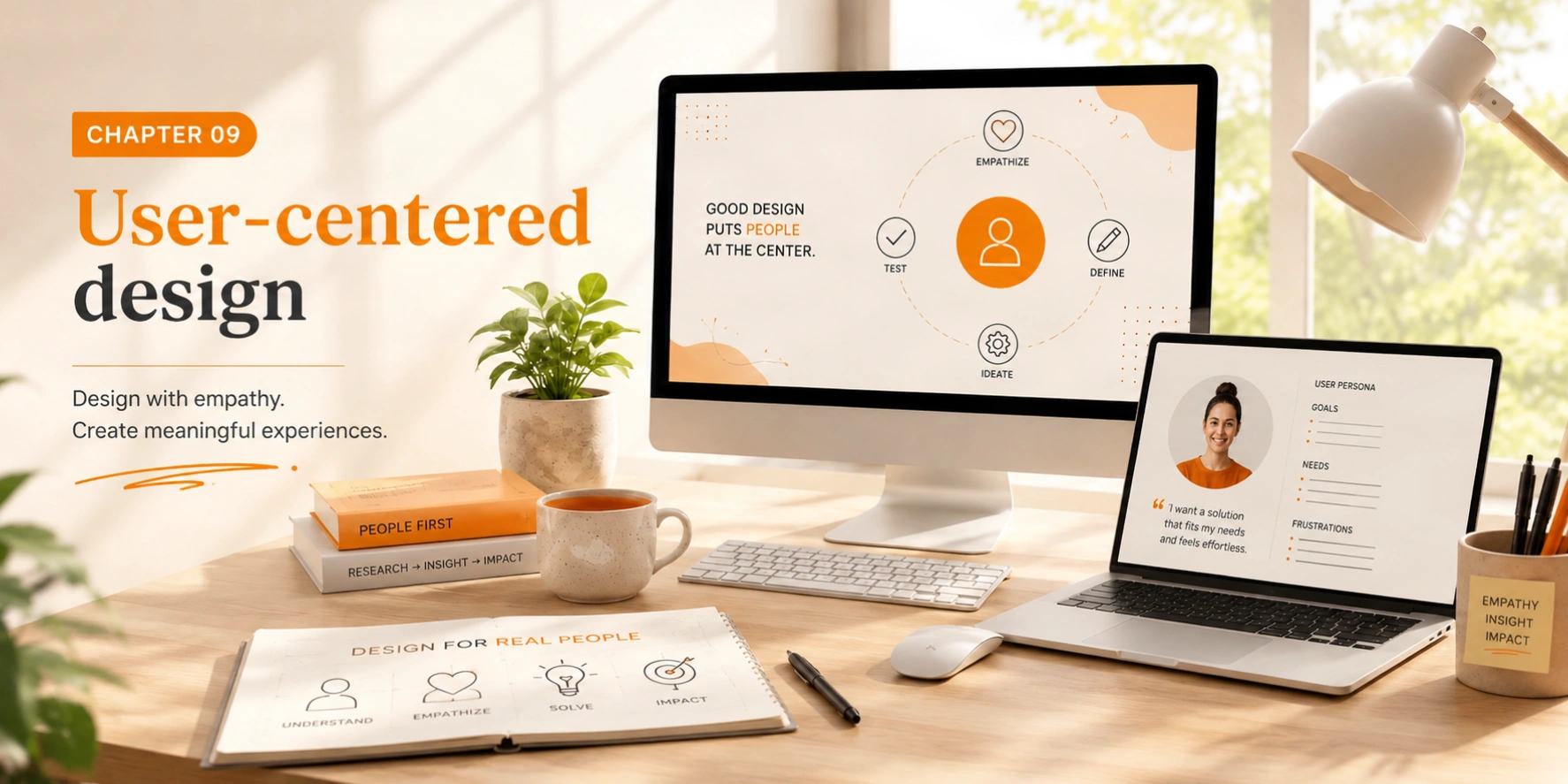
    User-centered design
    Design exists to serve people. User-centered design (UCD) puts human needs, capabilities, and behaviors at the center of every decision, before aesthetics, before convention, before technical convenience. This philosophy separates design from decoration.
    The foundational premise: users don't read manuals, don't remember instructions, and don't want to think harder than necessary. Your job is to meet them where they are, not to train them to meet you where you are.
    Accessibility
    Design for everyone, including people with visual, motor, and cognitive differences
    Usability
    Make interfaces self-explanatory, require zero learning to use correctly
    User testing
    Watch real people use your designs without coaching or intervention
    Empathy
    Understand users' mental models, frustrations, and true goals
    Nielsen's 10 usability heuristics
    Jakob Nielsen's heuristics are the most widely used framework for evaluating interface usability. They're not strict rules but useful lenses for identifying problems:
    Heuristic What it means Visibility of system statusAlways keep users informed about what's happening — loading states, confirmations, progress indicators. Match with real worldUse language and concepts familiar to users, not internal jargon. Follow real-world conventions. User control & freedomProvide clear undo/redo and easy exits from unwanted states. Never trap users. Consistency & standardsFollow platform conventions. Don't make users learn new patterns for standard interactions. Error preventionDesign to prevent problems before they occur — confirm destructive actions, validate inputs inline. Recognition over recallMinimize memory load. Make options visible. Users shouldn't need to remember information between steps. Flexibility & efficiencyProvide shortcuts for expert users while keeping the interface learnable for novices. Aesthetic & minimal designEvery extra element competes with relevant information. Remove anything that doesn't serve a purpose. Help recover from errorsError messages should be plain language, precise, and constructive — tell users what to do next. Help & documentationEven self-explanatory interfaces sometimes need help. Make it easy to find, task-focused, and brief.
    Fundamental truth
    You are not your user. Every assumption you make about how someone will interact with your design is likely wrong in at least one significant way. The only way to know what your users actually do is to watch them do it. No amount of internal review, stakeholder approval, or expert opinion replaces direct observation of real users in real contexts.
    Chapter 10 - Design Principles
    Chapter 10
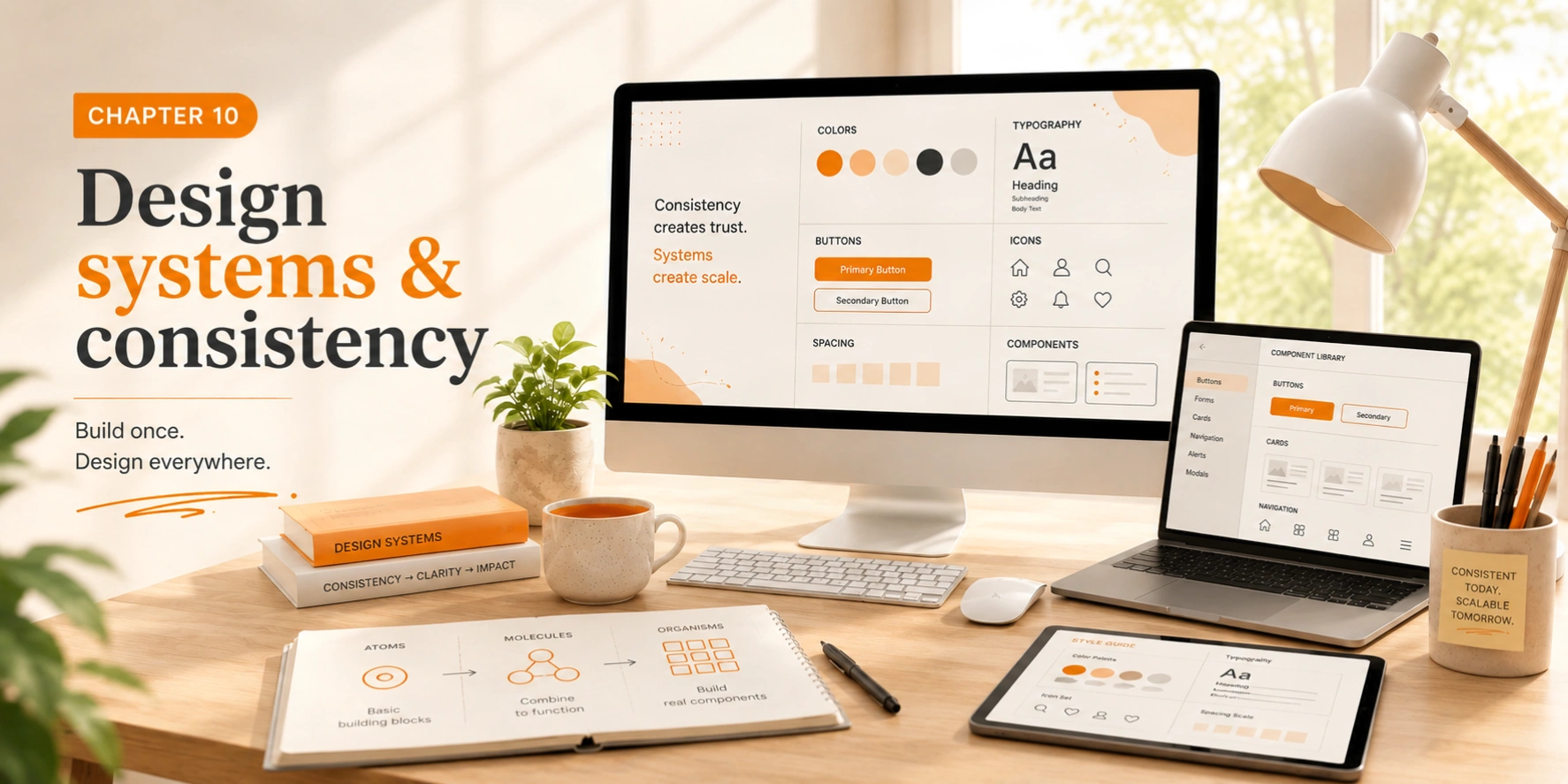
    Design systems & consistency
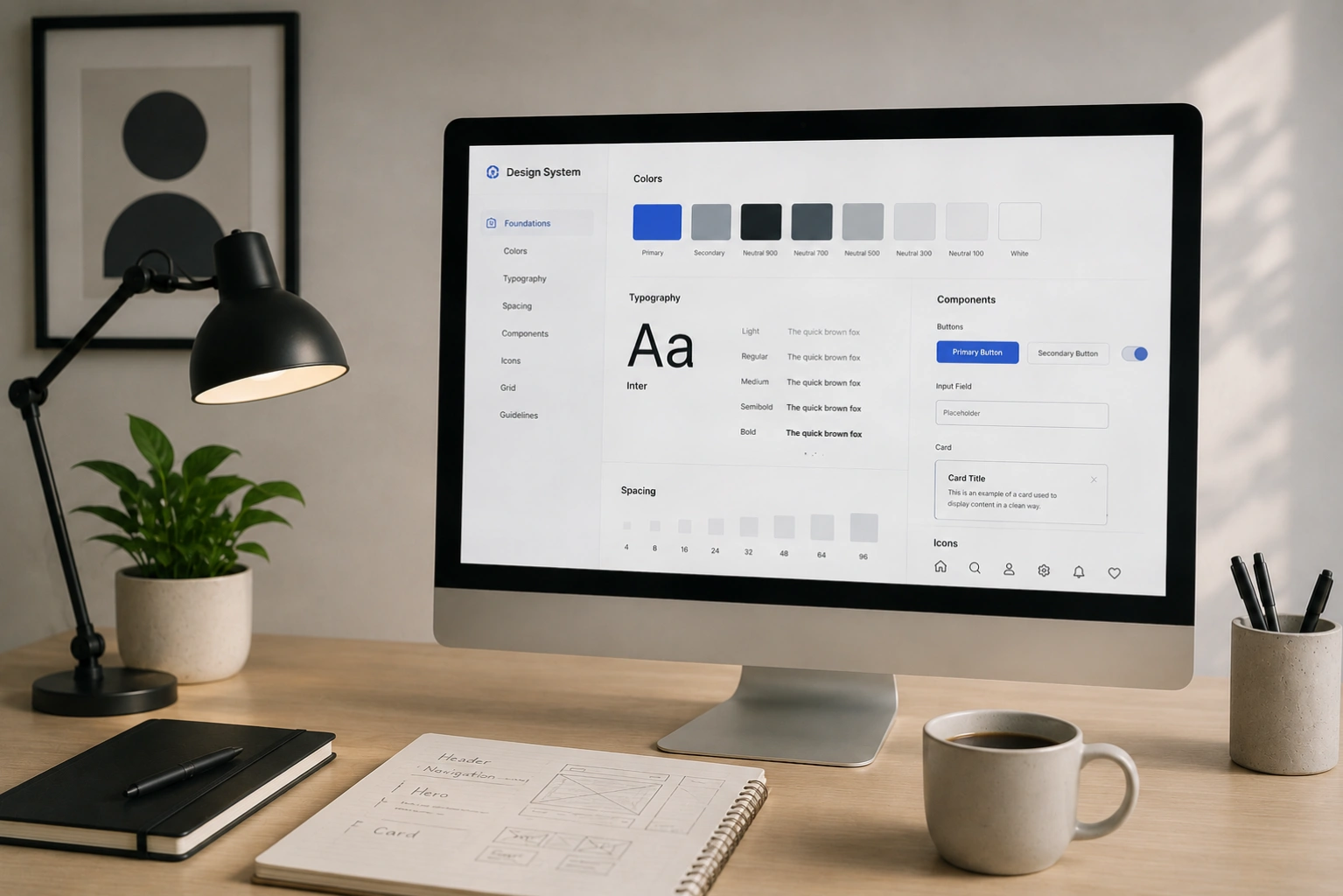
    Design systems create consistency, efficiency, and scalability. At their core, a design system is a shared language between design and development, a collection of reusable components, guidelines, and principles that enable teams to build cohesive products faster, more consistently, and with less repeated decision-making.
    Without a design system, every new feature becomes an opportunity for visual drift. Color values diverge slightly. Spacing becomes inconsistent. Button styles multiply. A design system is insurance against entropy.
    Style guide
    Colors, typography, spacing, and visual language documentation. The foundation everything else is built on. Must include all values, usage rules, and rationale.
    Component library
    Reusable UI elements, buttons, forms, navigation, cards, in every state and variant. Each component should be documented with usage guidance and accessibility notes.
    Pattern library
    Common interface solutions and best practices, how to handle forms, empty states, error handling, loading states, and other recurring design challenges.
    Documentation
    Guidelines for when and how to use each component, including what NOT to do. Good documentation is a design system's multiplier. Without it, components get misused.
    Design tokens
    Named values for colors, spacing, typography, and motion that bridge design tools and code. A color token like "brand.primary" is more maintainable than a hex value repeated 200 times.
    Versioning
    Design systems evolve. Versioning lets you make breaking changes safely, communicate what's changed, and support teams who need time to adopt updates.
    Building for maintainability
    Start small, a design system that covers 80% of cases well is more valuable than one that tries to cover 100% and becomes too complex to use. The best design systems grow organically from real product needs. Document decisions and rationale as you go, because the "why" behind a decision is often more valuable than the decision itself when changes need to be made months later.
    Atomic design
    Brad Frost's Atomic Design methodology organizes components into atoms (individual elements like buttons and inputs), molecules (small groups of atoms working together), organisms (larger, more complex sections), templates (page-level layouts), and pages (specific instances of templates with real content). This hierarchy makes systems easier to reason about and maintain.
    Chapter 11 - Design Principles
    Chapter 11
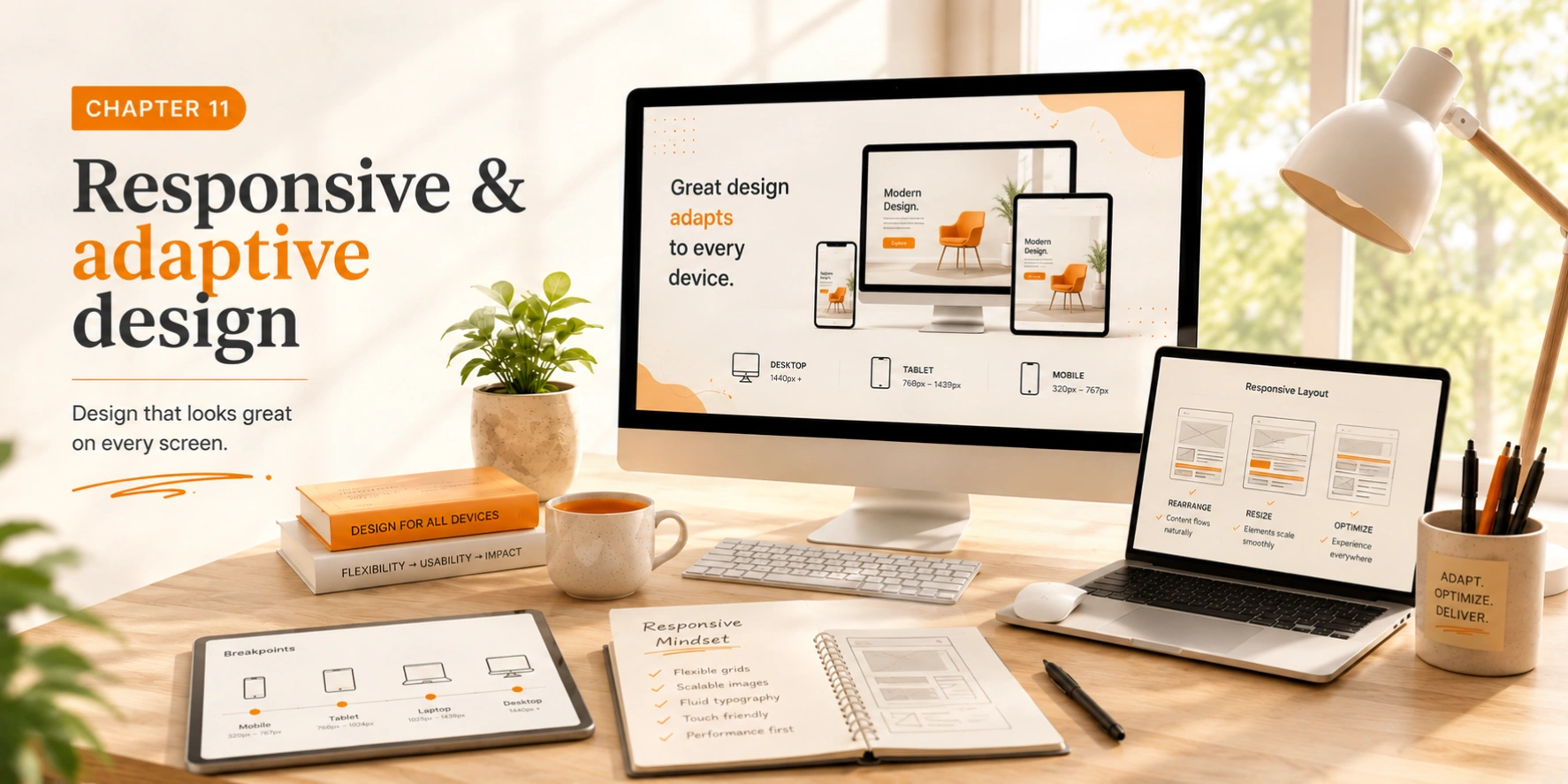
    Responsive & adaptive design
    Modern designs must work across an extraordinary range of devices, screen sizes, input methods, and contexts. Responsive design ensures great experiences everywhere, not just on the screen you designed it on. More than 60% of global web traffic now comes from mobile devices.
    Mobile-first
    Design for the smallest, most constrained context first, then progressively enhance for larger screens
    Breakpoints
    Define where layouts adapt: typically 320px, 768px, 1024px, and 1440px
    Performance
    Optimize images, minimize requests, and respect bandwidth constraints
    Touch-first
    Minimum 44×44px touch targets, generous spacing, swipe-friendly navigation
    Responsive vs adaptive
    Responsive design
    A single fluid layout that stretches and reflows continuously as the viewport changes. Elements scale, wrap, and reorder based on available space. Built with CSS Flexbox, Grid, and relative units (%, em, vw). More maintainable and the modern standard for most products.
    Adaptive design
    Separate layouts designed for specific breakpoints, the server detects the device type and serves the appropriate version. More control over the mobile experience, but more expensive to maintain. Used when the mobile experience is fundamentally different from desktop (e.g., native app-like flows).
    Context-aware design
    Responsive design isn't just about screen size, it's about context. A mobile user may be standing in a crowded street with one thumb, interrupted, in poor lighting, on a slow connection. Design for their context, not just their screen. Simplify. Prioritize ruthlessly. Make the primary action impossible to miss.
    Consider also: dark mode, high-contrast mode, reduced motion preferences, and voice interfaces. Modern accessible, responsive design is context-aware at every level, respecting the user's device capabilities, preferences, and environment.
    The physical device test
    Real devices reveal what simulators never will: the weight of holding a phone while scrolling, the difficulty of tapping small targets with a cold thumb, the glare on a screen in sunlight, the frustration of a slow network. Test your designs on physical devices regularly, not just before launch, but throughout the design process. A five-minute phone test can save days of iteration after launch.
    Chapter 12 - Design Principles
    Chapter 12
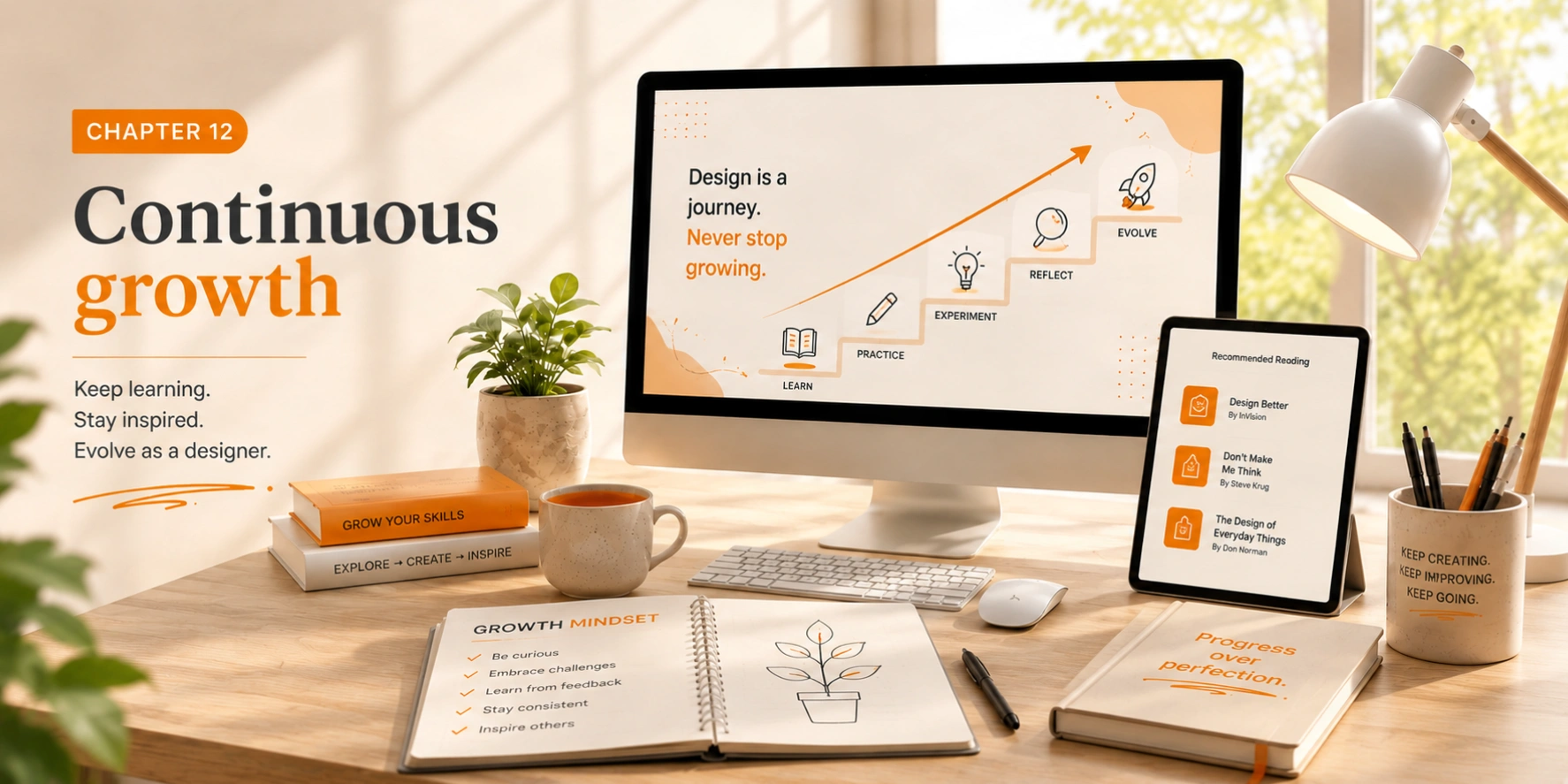
    Design with purpose
    Design is a craft that requires lifelong learning. Technology changes, trends evolve, and user expectations shift continuously. The principles in this guide are timeless, but your application of them should always be fresh, contextual, and deeply human.
    Every great designer you admire started exactly where you are now. The difference is accumulated practice, deliberate observation, and the discipline to keep asking "why does this work?", even after years of experience. Carry that curiosity forward.
    Keep learning
    Study designs you admire. Follow thought leaders. Read widely beyond design — psychology, architecture, writing, and music all have lessons to offer.
    Build your process
    Develop a unique, repeatable approach to design problems. Your process is as important as your craft — it's what makes you reliable and consistently excellent.
    Share knowledge
    Teaching others is the fastest way to solidify your own understanding. Write, speak, mentor. The design community grows stronger when everyone contributes.
    Design with purpose
    Solve real problems. Create meaningful, lasting experiences. The best measure of design success is not awards — it's people whose lives are genuinely improved.
    Portfolio Design: What Creative Professionals Need to Know
    Portfolio design: what creative professionals need to know

    Portfolio design: what creative professionals need to know

    May 18, 202619 min
    How to design an E-Commerce website that converts
    How to design an E-Commerce website that converts

    How to design an E-Commerce website that converts

    May 17, 202617 min
    Website design tips for small businesses in 2026
    Website design tips for small businesses in 2026

    Website design tips for small businesses in 2026

    May 17, 202614 min
    How to Design a Website That Ranks on Google
    How to design a website that ranks on Google

    How to design a website that ranks on Google

    May 16, 202613 min
    How to design a website that ranks on Google
    Web design mistakes that are killing your SEO

    Web design mistakes that are killing your SEO

    May 16, 202614 min
    What are Core Web Vitals and why should business owners care
    What are Core Web Vitals and why should business owners care

    What are Core Web Vitals and why should business owners care

    May 14, 202614 min
    How website speed affects your Google ranking
    How website speed affects your Google rankings

    How website speed affects your Google rankings

    May 14, 202614 min
    Custom website design vs. templates: pros and cons.
    Custom website design vs. templates: pros and cons

    Custom website design vs. templates: pros and cons

    May 14, 202615 min
    How long does it take to build a professional website?
    How long does it take to build a professional website?

    How long does it take to build a professional website?

    May 13, 202614 min
    What to look for when hiring a web design studio
    What to look for when hiring a web design studio

    What to look for when hiring a web design studio

    May 13, 202614 min

    Let's Start!