

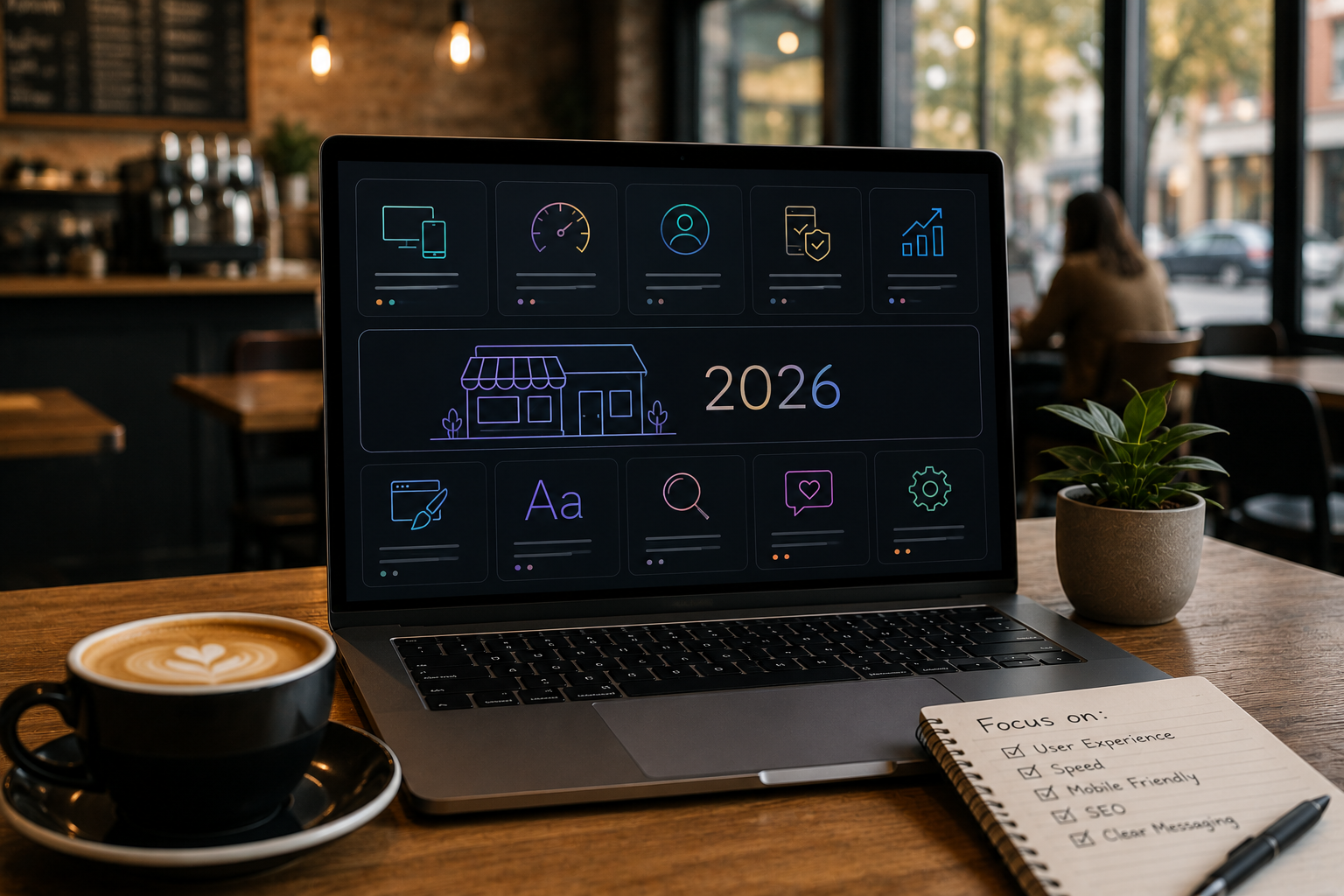
Small businesses often approach their website with one of two extremes: they either underinvest in something that looks rushed and loses them customers, or they overthink it into paralysis and never launch. The businesses that win online in 2026 take a smarter middle path; strategic, focused, and built around what actually drives results for a small operation.
A small business website does not need to be large or complex to be effective. It needs to be clear, fast, trustworthy, and easy to act on. The fundamentals of good website design apply regardless of business size, but the priorities and trade-offs look different when you are working with limited time, budget, and internal resources. Knowing where to focus makes all the difference.
At AG Art Studio, we work with small businesses across a wide range of industries, and we have seen the same patterns determine success and failure repeatedly. Here are the website design principles and practical tips that matter most for small businesses in 2026.
Get the homepage right before everything else
For most small businesses, the homepage is where the majority of visitors arrive and where first impressions are formed. It is the single most important page on the site, and the one that deserves the most careful design attention. A homepage that works does three things immediately: it tells visitors what you do, who you serve, and what to do next. Everything else is secondary.
The most common homepage mistake small businesses make is leading with their story rather than their value. "Welcome to Smith & Sons, founded in 1987 by John Smith with a passion for quality" tells a visitor nothing about whether you can solve their problem. Leading instead with a clear statement of what you offer and who you help, such as "Professional landscaping for residential properties in the greater Boston area," answers the visitor's first question before they have to ask it.
What every small business homepage needs- A clear headline that states what you do and who you serve, visible without scrolling on any device
- A single primary call to action; one button or link that tells the visitor what to do next, whether that is booking a call, requesting a quote, or viewing your services
- Social proof positioned above the fold or immediately below it; a review rating, a client count, a recognizable logo, or a short testimonial
- A brief overview of your main services or products with links to dedicated pages for each
- Contact information that is easy to find; do not make a motivated visitor hunt for your phone number or email address
- A human element; a photo of you, your team, or your work builds trust faster than any amount of copy
Prioritize speed over visual complexity
Small business websites are frequently over-designed for their actual purpose. Large animated hero sections, multiple video backgrounds, complex scroll effects, and elaborate transitions consume page weight and slow load times without meaningfully increasing the likelihood that a visitor becomes a customer. For a local plumber, accountant, or boutique retailer, the website's job is to establish credibility and make contact easy; not to win design awards.
A fast, clean, well-organized website consistently outperforms a slow, visually impressive one for lead generation and conversion. Speed matters for SEO, because Google ranks faster sites higher; it matters for user experience, because visitors abandon slow pages; and it matters for mobile users, who represent the majority of visitors to most small business websites and who are often on cellular connections.
The practical implication is to resist the temptation to add design elements for their own sake. Every element on your website should earn its place by contributing to the visitor's understanding or experience. If it does not serve that purpose, it is adding load time without adding value.
Make your contact information impossible to miss
For most small businesses, the primary conversion goal is a phone call, an email inquiry, or a form submission. Remarkably many small business websites make this surprisingly difficult by burying contact information in the footer, putting it only on the Contact page, or using a contact form that is hard to find on mobile. Every page on your site should make it easy to get in touch, because a motivated visitor who cannot find your number in ten seconds is a lead you have lost.
On mobile in particular, your phone number should be a clickable tap-to-call link on every page. Your email address should be similarly accessible. If you use a contact form as your primary method, it should be short, simple, and confirmed with a clear success message. The friction between a visitor's intent to contact you and their ability to do so should be as close to zero as possible.
Use real photography wherever possible
Stock photography is one of the fastest ways to make a small business website feel generic and untrustworthy. Visitors have seen the same stock images thousands of times across hundreds of different websites, and they recognize them immediately. Real photos of your actual business, your actual team, your actual products, and your actual work communicate authenticity in a way that no stock library can replicate. Even modest smartphone photography of your genuine environment outperforms polished stock imagery for building trust.
If professional photography is beyond the current budget, prioritize it for the homepage hero and team section, where the trust impact is greatest. Use stock imagery only for generic illustrative purposes where real photography would add no meaningful information. And if you do use stock, choose images that are specific and real-feeling rather than the obviously staged corporate imagery that signals inauthenticity immediately.
Build trust systematically throughout the site
For a small business, trust is the primary barrier between a visitor and a customer. Unlike large brands that arrive pre-loaded with recognition and credibility, small businesses earn trust through the cumulative effect of many small signals. Every trust element you can place on your website brings a visitor one step closer to feeling comfortable enough to reach out. These elements should be intentional and well-placed, not incidental.
The most effective trust signals for small businesses include genuine customer reviews and testimonials with full names and specific outcomes, professional accreditations or industry memberships displayed prominently, a clearly written About page that introduces the people behind the business, case studies or project examples with real results, and transparent pricing or at least a clear explanation of how pricing works. Trust is built in layers; no single element is sufficient on its own, but together they create an environment where saying yes feels safe.
Trust signals that work for small businesses- Google or Facebook review ratings with star count and total number of reviews
- Named testimonials with photos where permission has been given
- Industry certifications, accreditations, or professional memberships
- A genuine About page with real names, photos, and a brief background
- Case studies or project galleries showing real work with real outcomes
- A physical address, even for businesses that primarily operate remotely
- Clear privacy policy and secure checkout indicators for e-commerce
Write for your customer, not for yourself
Small business website copy tends to focus heavily on the business itself; its history, its values, its approach, its team. Visitors are not primarily interested in any of these things when they first land on your site. They are interested in whether you can solve their problem, how you compare to alternatives, what it will cost, and how the process works. Copy that leads with the customer's needs and answers their questions directly converts at significantly higher rates than copy that leads with the business's story.
A useful rewrite exercise is to go through your current website copy and replace every instance of "we" with "you." Often this simple shift forces a more customer-centric framing. Instead of "We provide comprehensive landscaping services with over twenty years of experience," try "Your garden, transformed by a team with twenty years of experience." The information is the same; the perspective is entirely different, and the conversion impact reflects that difference.
Optimize specifically for local search
For small businesses serving a specific geographic area, local SEO is often the highest-return digital marketing investment available. A well-optimized website combined with a complete Google Business Profile can put a small business in front of highly motivated local searchers at exactly the moment they are looking for what you offer. The competition for local search results is typically far less intense than for broad national terms, which means the barrier to ranking well is meaningfully lower.
Local SEO design considerations include including your city or service area in page titles and headings, embedding a Google Maps widget on your contact page, ensuring your name, address, and phone number are consistent across the site and match your Google Business Profile exactly, and creating dedicated service area pages if you serve multiple towns or neighborhoods. These are not complex changes; they are specific applications of good SEO practice to a local context.
Keep the navigation simple and the path to action short
Small business websites frequently over-complicate their navigation with too many items, nested dropdowns, and page categories that make sense to the business owner but confuse visitors. Navigation should be simple enough that a first-time visitor can understand your site structure in under five seconds. For most small businesses, this means five to seven top-level navigation items at most, with the most important action, whether that is Contact, Book Now, or Get a Quote, given the most prominent position.
The number of clicks between landing and converting matters significantly. Every additional step a visitor must take before reaching your contact form or booking page reduces the likelihood that they complete the journey. Map the conversion path on your site right now: how many clicks does it take from your homepage to the point where someone can submit an inquiry? If the answer is more than two, the path is probably too long.
The small business website checklist for 2026
Before you consider your website done, or before you commission a redesign, run through this checklist. Each item represents a design or content decision that directly affects whether your site turns visitors into customers.
- The homepage communicates what you do and who you serve in the first five seconds
- There is one clear primary call to action visible without scrolling on every key page
- Your phone number is clickable on mobile and visible on every page
- The site loads in under three seconds on a mobile connection
- Real photography is used on the homepage and About page
- At least three genuine customer reviews or testimonials are displayed prominently
- The About page includes real names and photos of the people behind the business
- Your location or service area is clearly stated and included in page titles
- Navigation has no more than seven top-level items and requires no more than two clicks to reach any important page
- The contact form has no more than five fields and confirms submission with a clear success message
- The site is connected to Google Analytics and Google Search Console
- Your Google Business Profile is complete and links to your website
The most effective small business websites are not the most elaborate ones. They are the ones that understand exactly who they are trying to reach, what those visitors need to see to feel confident, and how to make the path from first visit to first contact as short and frictionless as possible. Get those fundamentals right, maintain them consistently, and your website will outperform the majority of competitors in your local market regardless of how large or sophisticated they are.